Shapeshifter - Automations & Watchface switcher
Toaster
Watchface + Plugin
Description
REQUIREMENTS
- Pebble app 2.0 or later (on 1.16 to 1.18, turn on Settings > Plugins > Plugins / permissions preview)
- Any Pebble except the Classic and Steel
- Still in development

WHAT IT DOES
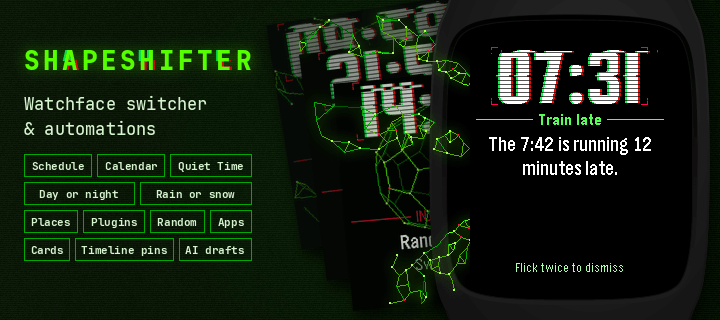
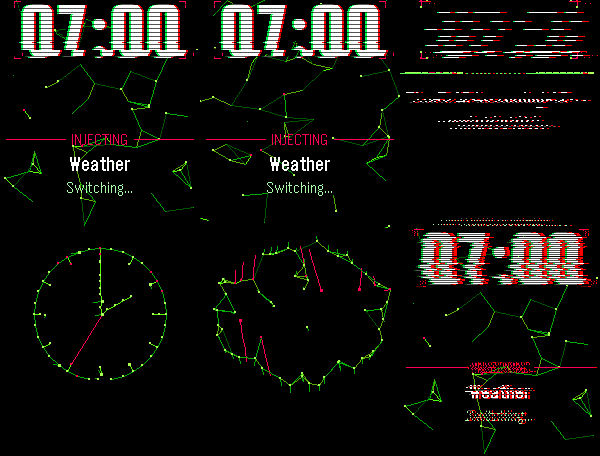
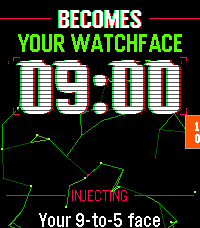
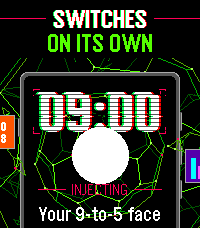
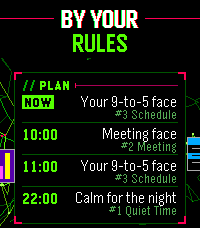
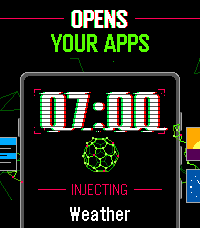
- Switches your watchface or opens an app on a schedule, or on events like calendar events, Quiet Time, holidays, day or night, low battery or your steps
- Beta events like walking, waking up, heart rate, places, Wi-Fi, rain or a plugin's value
- Shows a random watchface from a list, and a default one when no rule applies
- Runs automations at times you set: read a plugin or ask your AI, then notify you, pin to your timeline, show a note on the watchface or have a plugin act
- Drafts automations with AI from what you describe
- Lets other apps and watchfaces show your automations, and Index draft new ones
- Shows the week ahead as a calendar
- Syncs your watchfaces and apps from your Pebble or Rebble account
- Wakes the watch only when a switch or a check is due

PERMISSIONS AND DATA
- Only "Launch apps" is required. The others are used only by the rules and automations that need them.
- Draft with AI sends your chat, the draft, your watchfaces' names and what your plugins offer to your AI plugin, or without one to Claude (Anthropic) through my server, which keeps none of it. It shows you what it sent.
- An automation's Ask sends its prompt and what its steps read to your AI plugin.
- Your settings stay on your phone and watch, and sign-ins go only to Pebble or Rebble.

If you like it, tap the ❤️ or buy me a coffee at https://www.buymeacoffee.com/toaster2
- DeveloperToaster
- CategoryFaces
- PlatformsTime/Time Steel, Time Round, 2, 2 Duo, Time 2, Round 2
- Permissions
- Updated2026-11-24
- Version0.23.0
- Battery ImpactNot enough data yet