Timer
xefensor
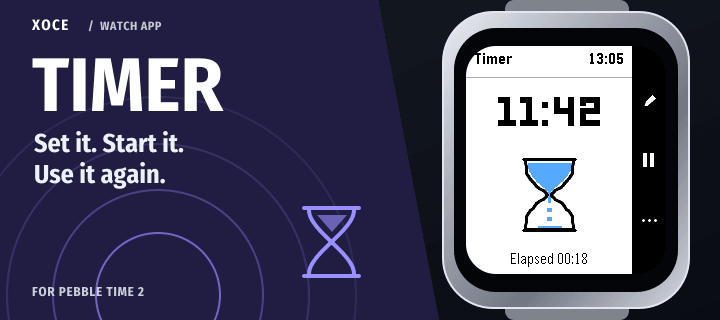
Watchapp
Description
Reusable countdowns, right on your Pebble.

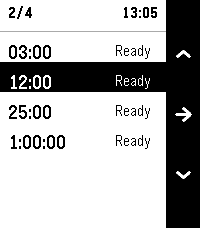
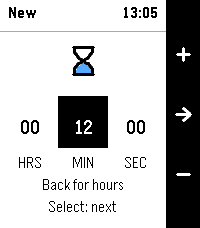
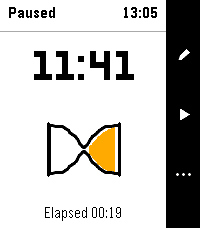
Save up to eight timers and control them with the watch buttons. Choose hours, minutes and seconds, start a countdown, then keep its duration ready for next time. Saved timers survive closing and reopening the app.

- Set a duration from five seconds to 24 hours.
- Pause, resume, reset or delete a timer on the watch.
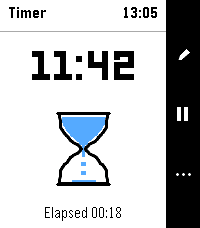
- See the remaining time on a large countdown screen.
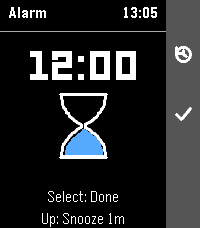
- Snooze a finished timer for one minute, or choose Done to dismiss it.
- Use vibration, with optional sound on Time 2. Round 2 uses vibration; sound respects system mute and Quiet Time.
- Choose text size and a Light or Dark watch appearance. Available in 17 interface languages.

Countdowns run on the watch. A scheduled alarm does not need a connected phone.

Want to keep a countdown on your watchface? Dynamic and Halftone can display Timer as an Activity, an ongoing update with the time remaining. Dashboard can display it too. This optional sharing needs a connected phone and plugin support enabled in the official Pebble phone app. Open Timer to pause, resume or change it.

Free. For Pebble Time 2 and Round 2. Part of XOCE. No XOCE account, ads or analytics.
- Developerxefensor
- CategoryTools & Utilities
- PlatformsTime 2, Round 2
- Updated2026-11-14
- Version1.0.3