Open Activity
xefensor
Watchapp
Description
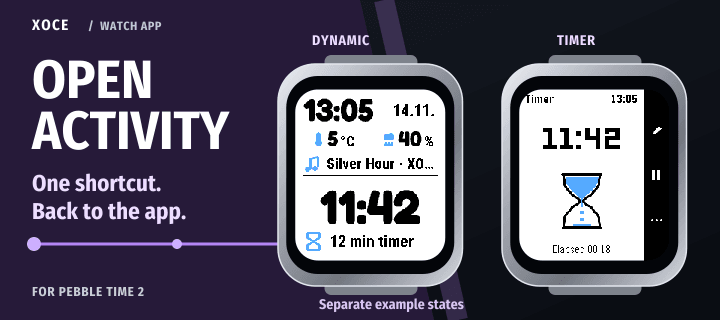
A button shortcut from your watchface to the app behind its activity.

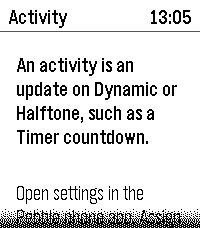
See a Timer countdown on Dynamic or Halftone, then use a Quick Launch shortcut to open Timer. Open Activity uses recent activity information from your chosen watchface.

- Choose Dynamic or Halftone as the source watchface.
- Bind supported Quick Launch shortcuts to its large Primary activity or smaller Secondary row.
- Open the helper from the watch app list to read its setup guidance.
- Choose text size and a Light or Dark watch appearance in phone settings.

Assign Open Activity to the same shortcuts in Pebble's Quick Launch settings. If you switch between Dynamic and Halftone, update the source watchface in Open Activity too.

The shortcut opens the associated app, not a particular timer, song or notification. Timer's controls stay in Timer. When no valid activity destination is available, the helper returns to the watchface.

For Pebble Time 2 and Round 2, with one connected watch. Requires Dynamic or Halftone, a connected phone, plugin support enabled in the official Pebble phone app, and Launch Apps permission. The activity must provide an installed app to open.

Free. Part of XOCE. No XOCE account, ads or analytics.
- Developerxefensor
- CategoryTools & Utilities
- PlatformsTime 2, Round 2
- Permissions
- Updated2026-11-14
- Version1.0.2