Minesweeper
duke
Watchapp

Description
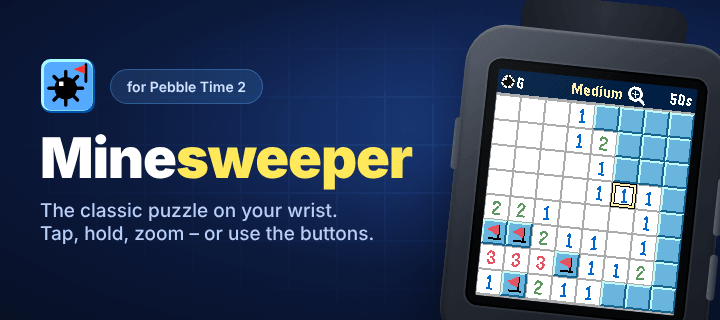
Minesweeper, rebuilt from scratch for Pebble Time 2.

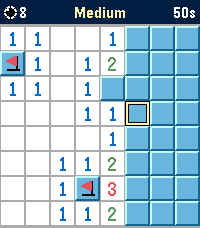
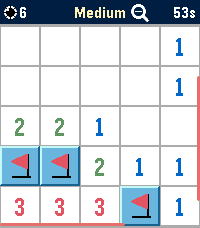
Clear an 8×8 minefield right on your wrist – with your finger or with the buttons.

TOUCH (Pebble Time 2)
• Tap a cell to open it, hold it to plant or remove a flag.
• Tap the top bar to zoom in for bigger cells, drag with one finger to move around, tap the top bar again to zoom out.

BUTTONS (all models)
• UP moves the cursor across, DOWN moves it down. Both wrap around the edge; hold to move continuously.
• SELECT opens a cell, hold SELECT to plant or remove a flag.
• Open a number again to clear all its neighbors once the matching flags are in place.

FEATURES
• Three difficulty levels: Easy (6 mines), Medium (10), Hard (14)
• Your first move is always safe
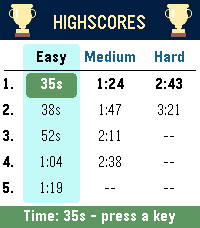
• Highscores: a top-5 list of your fastest times for every difficulty, saved on the watch
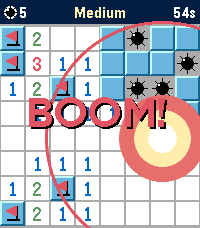
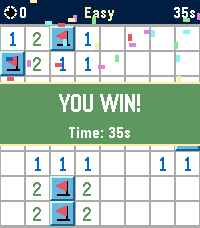
• A big BOOM when you hit a mine, confetti when you win, and an animated trophy for every new record
• "Backlight always on" option in Settings, for long games in the dark
• English and German, picked automatically from your watch language
• Zoom mode with one-finger panning on the Pebble Time 2 touchscreen
• Runs entirely on the watch, no phone connection or companion app needed

Built for the color display of Pebble Time 2, and also runs on Pebble Time, Pebble 2 and Pebble 2 Duo.
- Developerduke
- CategoryGames
- PlatformsTime/Time Steel, 2, 2 Duo, Time 2
- Updated2026-10-13
- Version1.1.0