Calendar for Pebble
alex_pavlov
Watchapp
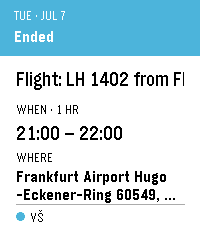
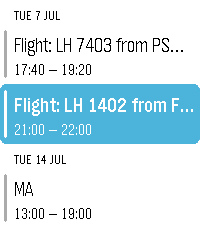
Description
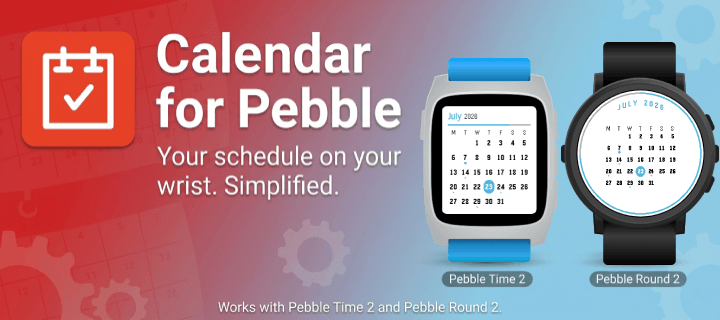
A touch calendar watchapp for Pebble Time 2 and Pebble Round 2.
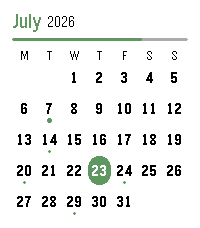
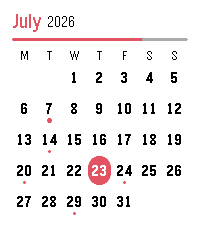
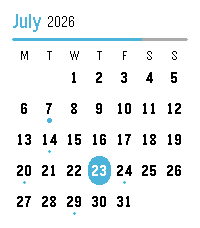
Shows the month with a dot on every day that has events; tap a day for an agenda you can scroll through. Syncs from iCloud and Google Calendar.

iCloud calendar link:
1. iPhone: Calendar app → Calendars → tap the ⓘ next to a calendar → enable Public Calendar → Share Link → Copy.
2. Paste the `webcal://…` link into a calendar row in Settings.(Public sharing is read-only and needs no password.)

Google calendar link:
On a computer at calendar.google.com:
1. Hover the calendar → ⋮ → Settings and sharing.
2. Easiest (public): under "Access permissions", tick "Make available to public", then copy the share link (the `…?cid=…` URL) — the app converts it automatically.
3. Private (keep it unlisted): scroll to "Integrate calendar" → copy "Secret address in iCal format (ends in `.ics`).
4. Paste the link into a calendar row in Settings.

Credits
App menu icon adapted from [pebble-dev/iconography
(https://github.com/pebble-dev/iconography)
Watch screenshots for banner created using (https://pebble-render.aru.dev/)
- Developeralex_pavlov
- CategoryDaily
- PlatformsTime 2, Round 2
- Updated2026-07-23
- Version2.0.0