 1
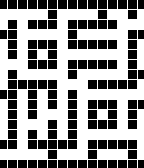
1TKF Maze - Duo
FacesA replica of TKF Maze The time is hidden in the maze, but with a little practice you will be able to see it easily.
 0
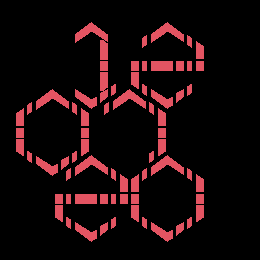
0TKF Zone
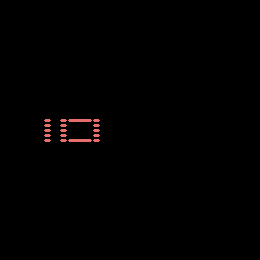
FacesA replica of the TKF Zone watch The top 2 hexagons are be the hours, The middle hexagons are the minutes The Bottom hexagons are the battery percentage. There is a hidden hexagon on the middle right that will animate while the watch charges.
 0
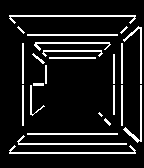
0TKF Space - Duo (2026)
Facesa replica of TKF Space - Ceiling is the month (read Front to Back) - Left wall is the Hour - Right wall is the Minute - Floor is the date (read Back to Front) There is an animation that occurs every hour. In Settings it can turned on to be manually triggered. **There are other watchfaces like this one, but this one is made specificly for the Pebble 2 Duo**
 0
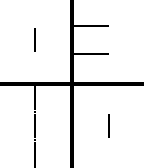
0TKF Stencil - Duo (2026)
FacesA replica of TKF Stencil The time is read in the negative space. **There are other watchfaces like this one, but this one is made specificly for the Pebble 2 Duo**
 1
1Pebblegress-PR2
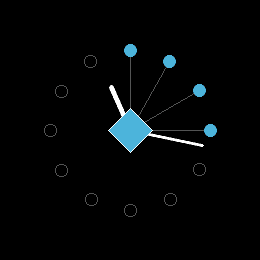
FacesA love letter to a game from the mid 2010s
 0
0TKF Air
Facesa replica of TKF Air the Minutes are the only thing displayed on the screen, but they also double as the Hour hand. Example: in the main screenshot it is 09:10
 3
3TKF Stencil Watchface (2026)
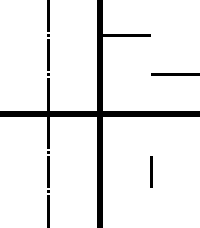
FacesA replica of TKF Stencil The watchface uses negative space to display the time. In Settings the colors can be changed to your liking. **There are other watchfaces like this one, but this one is made specificly for the Pebble Time 2**
 13
13TKF Space Watchface (2026)
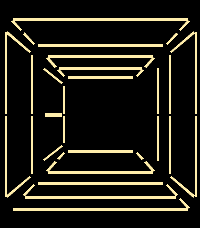
FacesA replica of TKF Space - Ceiling is the month (read Front to Back) - Left wall is the Hour - Right wall is the Minute - Floor is the date (read Back to Front) - There is an animation that occurs every hour. In Settings it can turned on to be manually triggered. Also in settings the colors can be changed. **There are other watchfaces like this one, but this one is made specificly for the Pebble Time 2**
 0
0TKF Polygon WatchFace
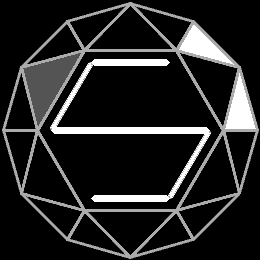
FacesThis is a replica watch face of the TKF Polygon. - The outer triangles in white, are paired in 2's and will give you the hour interval. The hour is related to that of an analogue clock. - The big triangles that point to the outside and fill in gray, represent the value of10's starting at the top, they also correlate with the 10's of an analogue clock (e.g. 00 = 12 o'clock; 10's = 2 o'clock; 20's = 4; 30's = 6; 40's = 8; 50's = 10) - the center is the single digits based on a 7-position digital clock design. - in settings, there are a few color options.
 5
5TKF Maze WatchFace
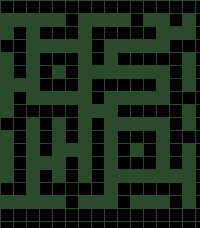
FacesA replica of the TKF Maze watch face. - flick of the wrist or a forceful tap will reveal the time. (Can be disabled in the settings for better battery life) - In Settings the color of the maze can be changed. - There is a "maze runner" that can be enabled in settings. It randomly moves through the maze. (Moving randomly sometimes means that it does retrace the same path a couple of times.) ⚠️If the Maze Runner get's "stuck" it will become unstuck when the time changes, or you can toggle it off and on to reset in Settings.
 9
9PebbleGress - PT2
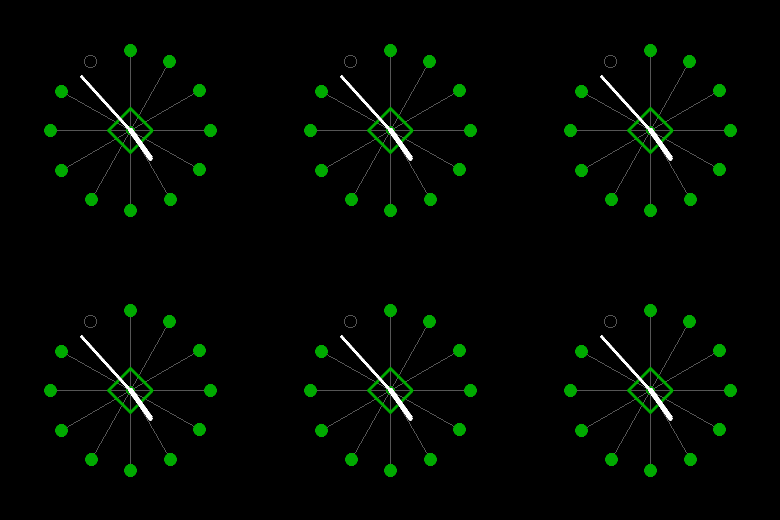
FacesThis is a love letter to a game that was kind of popular around the 2010s. I hope people enjoy it.
 9
9Disc Golf Score Tracker
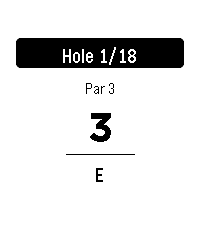
Tools & UtilitiesKeep score on your wrist. Track strokes hole-by-hole against par with your running total updating as you play. Rounds auto-save, so you can quit and resume anytime. In the phone Settings, quick-add any course by name and hole count (pars default to 3). Fix pars on the watch by holding SELECT, and delete courses the same way from the course menu. Import pars from a Disc Golf Metrix via competition section. When you finish, export your round from the watch and copy the text file from the phone Settings.