 138
138dHunt
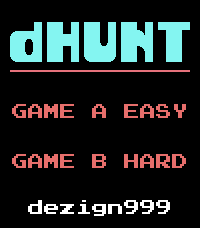
GamesA complete build from scratch of that classic game that shall not be named, all reimagined and optimized for a small screen with quick bite sessions in mind. Tap on the birds to shoot, get the scores, impress your canine companion! It's all there folks, the best looking (and sounding) game for your brand spanking new Pebble Time 2. What wave can you get to? Think you got the chops to get the maximum score? Let's see what you got on the leaderboards! Each game mode has its own leaderboard and can be viewed from the App Settings. Scores will be pushed only once you've created a player name. Scores are submitted once a game has completed and will be cached if you've got no phone connection. Leaderboards will be reset every 30 days and pruned for fraudsters (yeah nice try with the aimbot bucko!). Features: • Touch Enabled • Classic Sounds • Volume Control (Up/Down Buttons) • Automatic Pause for Notifications • Manual Pause (Select Button) • Leaderboards (Check the App Settings on your phone) If you like this game, follow me on X for insight on what I'm cooking up next (hint: it's good, it's all good). X: @dezign999
 19
19MIDI Tester
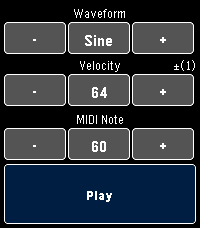
Tools & UtilitiesA simple tool for experimenting with the MIDI capabilities of supported devices. Change the wave form, velocity and notes to hear what they sound like without investing time into compiling and pushing builds to your device. This app was primarily made for developers, but I've noticed is also a cheeky way to annoy your dog or coworkers :P • Hold the + or - buttons for auto repeat • Press the Select button to toggle 1 or 10 step increments • Hold the Play button to sustain the note
 77
77Yes-No-Button
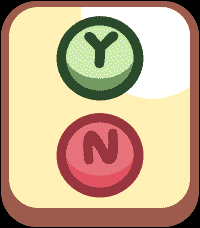
GamesHave kids? Do they love Bluey, or ask A LOT of "trifficult" questions? NO WORRIES! BEHOLD, THE YES NO BUTTON (For Real Life)!!! Answer your kids in style, or Co-Workers (it works on them too!), and save your time and energy for other things like using your Pebble Time 2 as a Calculator for all that adulty business stuff. Just tap the Yes or No button for the response you need and enjoy your time in your relaxy chair while you sip your drink from a coconut. Use the side Top and Bottom buttons to control the volume, some situations require more volume... I mean we can't all be like the Magic Claw who has no kids who's days are free and easy (remember those days? Sigh). This is way more funner than a touch enabled Calculator on your wrist, I mean that's a no brainer unless you're a Freak! (jk jk jk jk)
 57
57img999
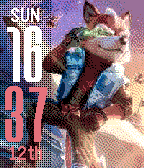
FacesCustomizable watch face for Pebble Time, Pebble 2 and Pebble Classic which uses your own images. This uses resources from: Gregoiresage's Image Viewer: https://github.com/gregoiresage/pebble-image-viewer/ YGalanter's Color manipulator: https://github.com/ygalanter Usage Provide a direct link to an online jpg or png file and it will be displayed on your Pebble. Customize your layout, complications and colors in the settings page. The current image is stored on your phone until a new image is downloaded, this will prevent any further web requests. The watch face will need to request the cached image from your phone and the pebble app's persistent storage whenever you exit the watch face. Theme Sharing Share your theme with others by copying the custom theme code at the bottom of the settings page. Make sure to save your settings first to ensure your theme code is updated correctly. Applying a Theme Copy a theme code and ensure it ends in "999" to work correctly. Paste it into the URL box in the img999 settings page and save the changes to see the results. Complications are not shared as they are set to a user's personal preference. Therefore, your complications will persist and only the colors, layout and image will change. Try this Fox McCloud Theme (Color): https://i.postimg.cc/Hkgb2NZP/IMG_5358.jpg*16777215*16733525*3*0*0*999 Fox McCloud Theme (Black & White): https://i.postimg.cc/Hkgb2NZP/IMG_5358.jpg*0*0*4*0*0*999 Image Hosting It's recommended that you create a free user account at http://postimages.org to host your images. Creating an account allows you to manage image libraries that you can copy direct links to directly from the Pebble settings page. When uploading images to Postimages.org, make sure to set the option to enable image resizing to 320x240. This will scale the image and make it more suitable for downloading to the Pebble. Images should be less than 500px by 500px. Image Formatting Setting up your image is easy to do right from your phone. Use the default editing app and crop your image to a 4:5 ratio to fit your Pebble. You may also want to adjust your contrast to darken the image slightly for the Pebble display.
 358
358dHunt
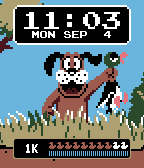
FacesdHunt is a retro inspired watchface for your Pebble! Features health integration and random animation. Ducks represent 100 steps, flick to see total steps. Bullet gauge represents battery charge remaining. Thanks to everyone on Reddit for the feature requests! Features: • Customizable Vibration alerts • Flick to animate and flick again to shoot! • Optional Vibration FX • Random flight patterns • Optional Date display • Date format settings • HRM support, flick to show steps
 136
136Weekdayer
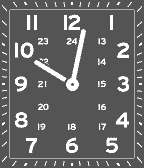
FacesAn analog watch inspired by a true classic.
 591
591DOMO
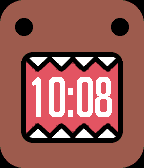
FacesDOMO for Pebble. Get it while its hot!
 191
191reserve999
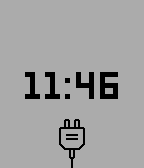
FacesReserve999 is a minimalist watchface for those who like the stock low power watchface on the pebble. Configure it with your own colors, or hide the power cord.
 244
244St. Nyan Cat
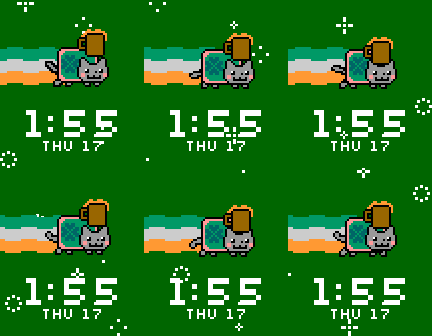
FacesSt. Nyan Cat is here to celebrate St. Patrick's Day! Animates every 3 minutes, or on Flick. Flicking speeds St. Nyan Cat up! Love Nyan Cat like we do? Visit the Official Nyan Cat website at http://nyan.cat This is an unofficial watch face, fan made with <3
 113
113Bhangra!
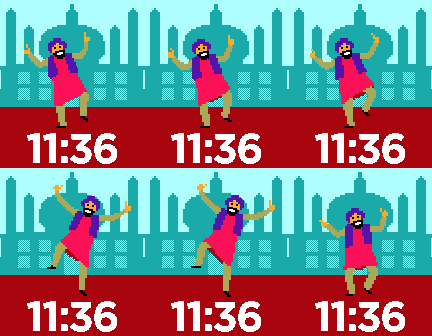
FacesEnjoy a little Bhangra on your Pebble! Automatically dances every 3 minutes, or on demand with a flick. Flick up to 3 times to speed him up!
 67
67Cruz Dance
FacesLove 'em or Hate 'em, your favorite candidate is here to dance for you! Dances every 3 minutes, or on demand with a flick. Keep flicking to make them dance faster!
 57
57Rubio Dance
FacesLove 'em or Hate 'em, your favorite candidate is here to dance for you! Dances every 3 minutes, or on demand with a flick. Keep flicking to make them dance faster!
 817
817Bernie Dance
FacesLove 'em or Hate 'em, your favorite candidate is here to dance for you! Dances every 3 minutes, or on demand with a flick. Keep flicking to make them dance faster!
 200
200Hillary Dance
FacesLove 'em or Hate 'em, your favorite candidate is here to dance for you! Dances every 3 minutes, or on demand with a flick. Keep flicking to make them dance faster!
 370
370Trump Dance
FacesLove 'em or Hate 'em, your favorite candidate is here to dance for you! Dances every 3 minutes, or on demand with a flick. Keep flicking to make them dance faster!
 1.5K
1.5KCrush 'Em
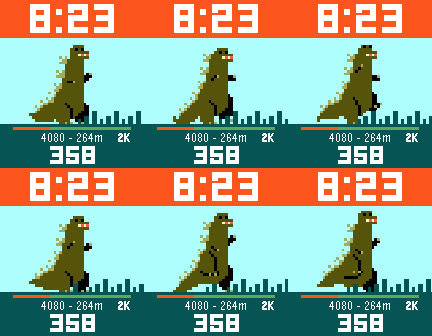
FacesWho say's counting steps can't be fun? Help Pixzilla crush his daily step goals of 2k - 40k while keeping track of yesterday's step total and his current distance travelled in meters! Configurations coming in a future update. Artwork by Ivan Dixon. http://pug-of-war.tumblr.com/
 115
115Tiraṅgā
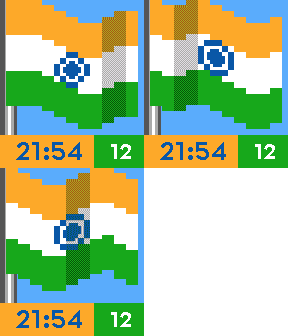
FacesShow your pride with the Flag of India!
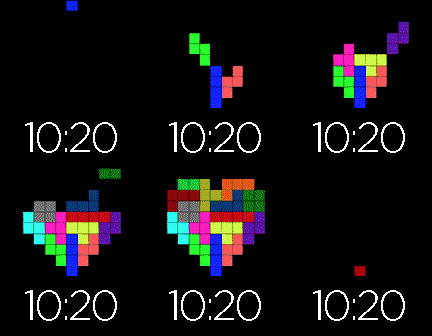 128
128U Complete Me
FacesWatch the blocks stack over the course of an hour to form a heart, or flick your wrist to watch it all happen at once.
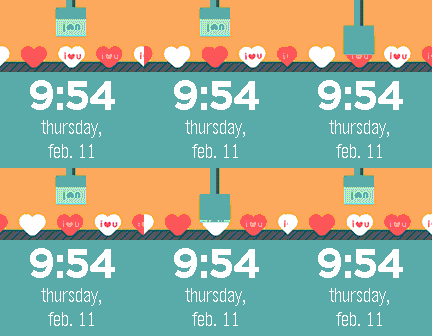 483
483i heart u
FacesSomething sweet for your wrist this Valentine's Day! Flick to animate, or watch it animate automatically every minute. Powered by Giphy
 94
94Heart of Artness
FacesLove is puzzling, and so is this watch face! The inner ring represents the hour, while the hour ring are the minutes.