 21
21Sand Sim
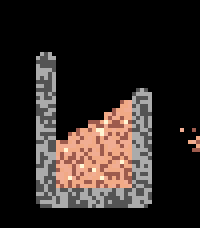
GamesA fun little sand simulation for your wrist. Hope you enjoy! 😊 Requires Touch Support Interactions - Up → Quick select tools - Down → Quick select materials - Select → Open menu (navigate with up, down, select, and back) - Touch the screen to place and interact with particles - Tilt the watch to shift gravity Tools - Brush — Place sand - Attract — Creates a gravity well that pulls particles in - Repel — Creates a repulsive force that pushes particles away - Push — Slides particles around the screen - Eraser — Removes particles from the screen Materials Choose from Sand, Water, Stone, and Lava — or create your own! Select a behavior (Liquid, Powder, or Solid) and one of 9 colors, then add it to your material palette.
 25
25Fluid Sim
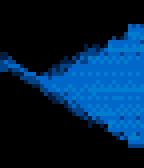
GamesFluid Sim runs a real-time Navier–Stokes fluid solver on your Pebble. Dye is advected through a velocity field with diffusion and incompressible projection, producing continuous swirling, splashing, and mixing that responds to your input. CONTROLS • Hold UP or DOWN to fire two angled jets that collide and mix near the center. • Hold SELECT to add a rotational stir to the whole field. • Tap or drag the screen (Pebble Time 2) to inject a swirling blob of dye at the touch point. • Tilt the watch to apply a gravity force; the fluid flows in that direction with added turbulence. COLOR PALETTES Choose a palette from the settings page: • Water — blue to cyan to white • Fire — red to orange to yellow to white • Acid — deep green to chartreuse to white • Rainbow — full spectrum, mapped to fluid density Color watches use ordered (Bayer) dithering for smooth gradients; black-and-white models render in four-level grayscale. The simulation runs on all Pebble platforms, with touch input on models that have a touchscreen.