 18
18ID Stopwatch
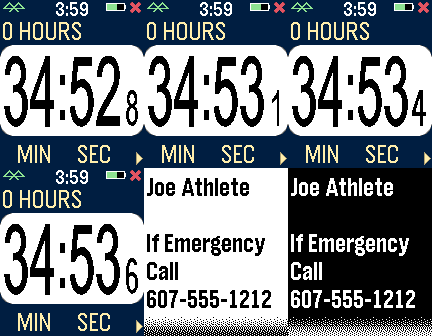
Health & FitnessThe ID Stopwatch app is similar to Big Stopwatch with an identification alert feature. Your name and an emergency message are entered in the settings screen. If your stopwatch is running and no activity is registered for several minutes, an alert is displayed with flashing and vibration alerts. BACK button clears the alert, and long-press the SELECT button to test. App idea by Greg East.
 277
277Compass Watch
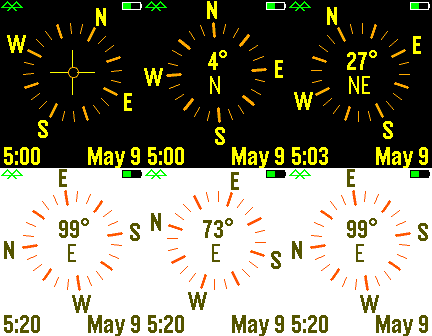
FacesA compass based on the Pebble magnetometer. Tap to activate center tilt meter. Customizable for date format, inverted screen, battery, connection, vibration alerts, etc.
 643
643Cool Weather
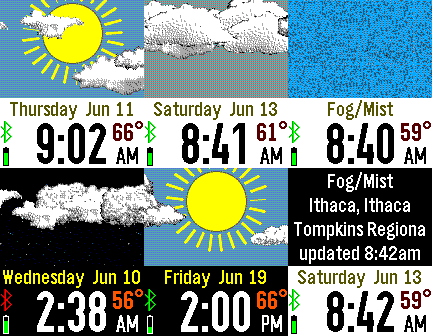
FacesCool Weather displays a more realistic view of the weather instead of a small weather icon. Flick your wrist to animate the screen. Shaking the Pebble will show a weather description and the last time updated. Customizations include the weather service (OpenWeatherMap, Yahoo, NOAA, Forecast.io, Weather Underground), seven languages, fixed or GPS location, temperature scale, battery, vibration, animation, and more.
 85
85Wrist Pilot
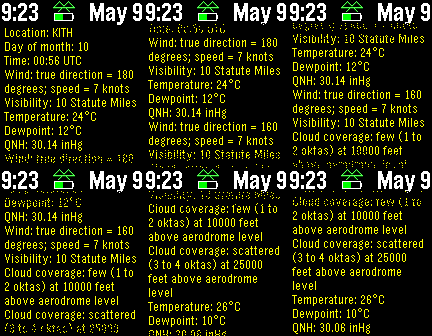
Tools & UtilitiesDisplays METAR or TAF weather reports for selected stations. This Pebble app is designed for small craft pilots who want updated reports at their fingertips (or wrist). There are menu settings for changing the text size and refresh interval. Use the up and down Pebble buttons for scrolling, and shake to refresh the weather immediately
 395
395Radar
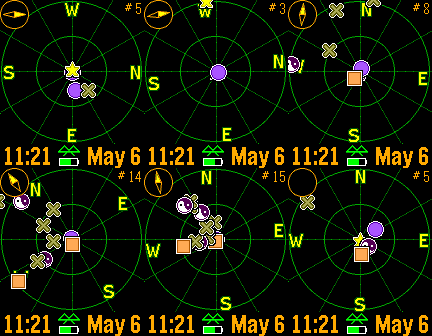
Tools & UtilitiesRealtime tracking of Pebble watches. The closest dozen Pebbles are displayed with approximate distance. Now with compass, droppable marker, and color support! Use the buttons to zoom in and out, and shake to refresh. Custom settings include GPS accuracy, your symbol, distance units, battery, connection, vibration alerts, markers, compass, and more.
 300
300Camoodle HD
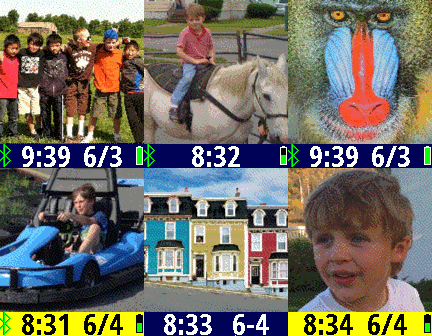
FacesSmile! Capture an image on your smart phone and send it to your Pebble. Flick your wrist or chose your refresh rate to switch between images. Customizable settings. This high-def version turns some pixels on and off rapidly to gain the appearance of a gray pixel. The displayed image looks terrific, but the battery drains faster.
 31
31Farwatch
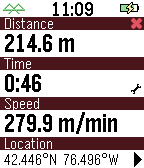
Tools & UtilitiesFarwatch is an odometer and speedometer. The smart phone GPS tracks distance and speed. The watch displays current time, elapsed time, elapsed distance, and average speed. Tap or flick your watchface to switch between average speed and current speed. Customizable settings include units, screen display, battery indicator, connection indicator, tap control, and vibration alert upon disconnect. It helps to launch this watch 20-30 seconds before you start your trip. This gives your GPS time to get an accurate starting location.
 2.3K
2.3KMaptastic
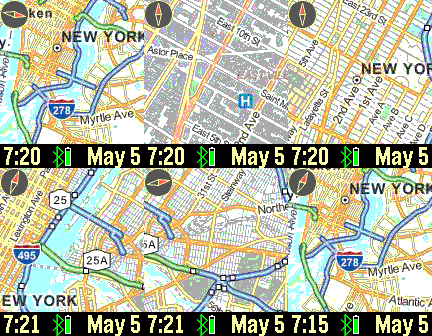
DailyImagine a map displayed on your wrist. Pans, zooms, and tracks your location. Customizable features include the mapping service, date, screen, vibration, connectivity, map labels, distance units, and more. Top button: backlight; bottom button: pans map based on watch tilt; flick/tap: distance; shake watch: refresh map. Tracking enabled until map is manually panned. New: long up button press for your current location address. Drag on screen to pan map. Mapping tiles Copyright and courtesy of OpenStreetMap, OpenStreetMap contributors, Google Maps, ESRI ArcGIS, and Stamen. Stamen data by Stamen Design (https://stamen.com); OpenStreetMap (https://openstreetmap.org) mapping tiles under Creative Commons licenses. See the instructional video for a demonstration of the Maptastic features.
 89
89Tilt
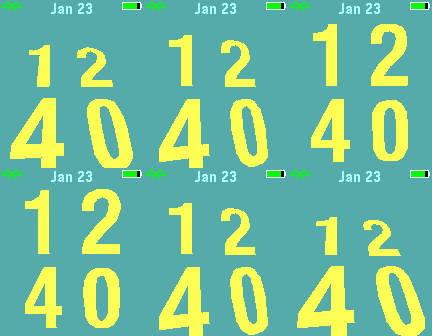
FacesTilt complements my Upright watchface. The Pebble accelerometer is used to display the time with respect to gravity. Custom settings include screen background, battery indicator, connectivity, and date format.
 42
42Interval Trainer
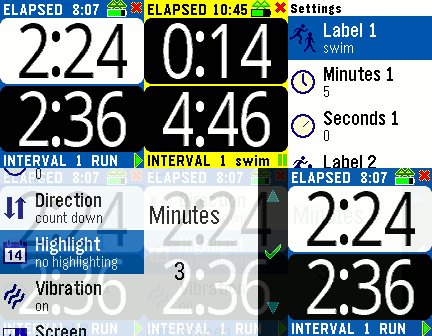
Health & FitnessThe Interval Trainer tracks elapsed time and interval times. You can set two intervals which are repeated as time elapses. A vibration alerts you when an interval changes, and the numbers are BIG for easy reading while exercising. The interval minutes and seconds are customizable, as are the vibration alerts, screen background, etc. Press the middle button or choose Setting from your smart phone.
 532
532Camoodle
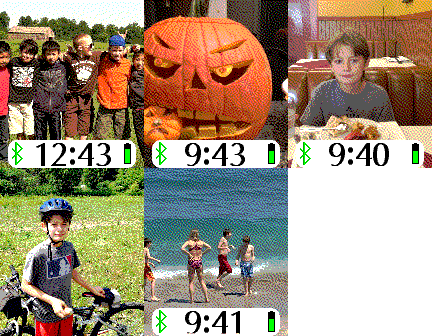
FacesSmile! Capture an image on your smart phone and send it to your Pebble. Flick your wrist or chose your refresh rate to switch between images. Customizable for date, refresh rate, battery, connection, vibration, etc.
 169
169Flickery
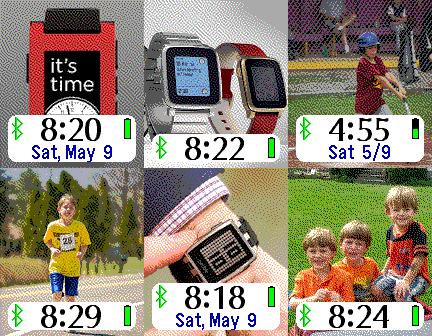
FacesDisplay your Flickr photos on your Pebble. If you have a Flickr account, enter your Flickr screen name on your custom settings page, and all publicly-available images will be shuffled every few minutes onto your Pebble watch. If you don't have a Flickr account, you will want one so you can put your favorite photos onto your Pebble. You can see test pictures if you enter "SetPebble" as the Flickr user on the custom settings screen. No space characters are allowed in the screen name. Your smart phone will get a workout if you set your apps to update every minute. Frequent image updates will wear down your battery faster, but just throttle back the update interval to an hour and you can go days before recharging.
 36
36Big Timer
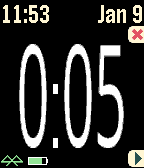
Health & FitnessThis timer features BIG numbers, settable start times, vibration alerts, and other custom settings. This app was originally developed for Chris Conley, a grade school teacher, who uses this countdown timer for reading studies and student contests.
 108
108Big Stopwatch
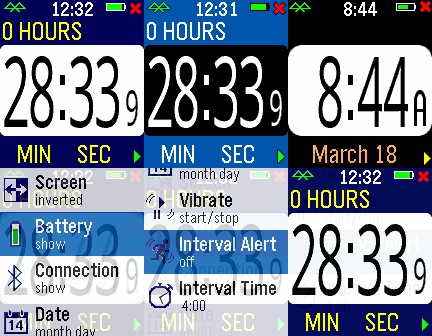
Health & FitnessHaving trouble seeing those small numbers while exercising? Try the Big Number Stopwatch and be able to check the elapsed time quickly. Press the bottom bottom for start/stop and the top button to reset the time. Pressing the middle button momentarily shows the current time, and a long press raises the settings menu. Customizable settings are available, plus the time is restored if you briefly switch apps.
 747
747Fair Circadian
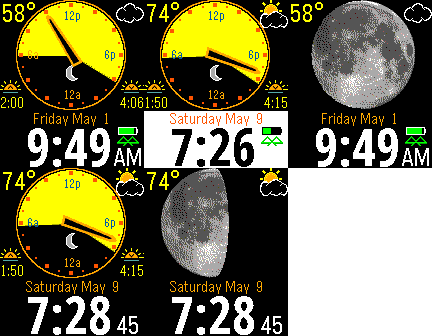
FacesThe watchface displays the day and night portions of your day depending on sunrise and sunset. Local temperature and a weather icon are displayed in the corners. Flick your wrist or tap to see the moon phase. Customizable for temperature units, screen background, battery indicator, ignore tap, etc.
 12
12Worldicity
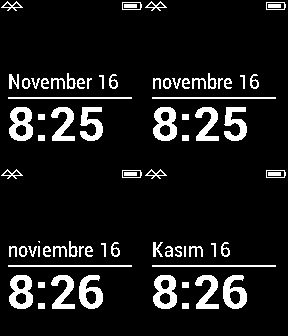
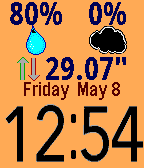
FacesThe Simplicity watchface has been extended for other languages. Choose your language, date format, screen background, battery, and other custom settings. Don't see your language? Send in the months and days for the next version.
 368
368Big Weather
FacesThis is an easy-to-read weather display that sticks to the basics. You can easily read the time and temperature. Need more info? Just flick your wrist or tap your watch for air pressure, humidity, cloud coverage, moon phase, wind, sunrise, sunset, station, and last update time. Whew - that's a lot. Customize your app for weather service, Fahrenheit/Celsius, units, screen background, and more.
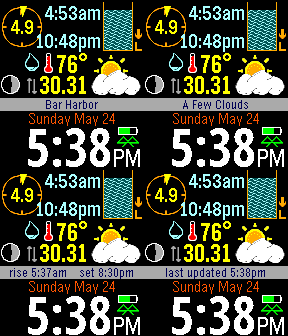 301
301Fair Tides
FacesThe next high and low tides of the closest monitoring station are displayed (USA & Canada only). Current weather conditions for temperature, wind, pressure, humidity, and clouds are displayed. The temperature scale, wind scale, background, and other items are customizable. Flick or tap to change the status between last time updated, tide station name, current weather description, and sunrise/sunset. The tide station can be manually entered, and the weather source selectable from OpenWeatherMap, Yahoo Weather, NOAA, and (for premium subscribers) Forecast.io. For Pebble Time, Fair Tides supports timeline pins with low and high tides.
 22
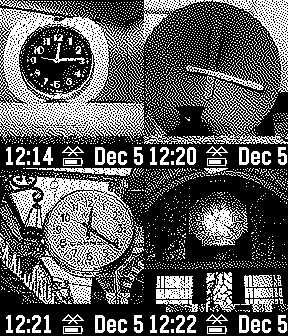
22Klokken
FacesNoach de Haas had an idea - a different clock image for every minute of the day. He has spent over four years on four different continents gathering 720 photos. Klokken displays a beautiful clock image every minute on your Pebble. Custom settings include date format, battery and connectivity indicators, hourly vibration.
 625
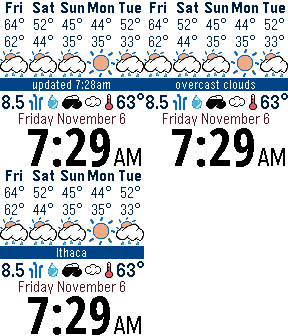
625Fair Forecast
FacesThe current day and the next four days are displayed with the forecasted day and night temperatures and weather icon. The current weather icons show wind speed, direction, humidity, weather, cloud coverage, and temperature. Tap or flick to see city or weather description. Data courtesy of OpenWeatherMap.org. Fair Forecast is now part of Fair Weather - just shake your wrist to see the forecast!