 1
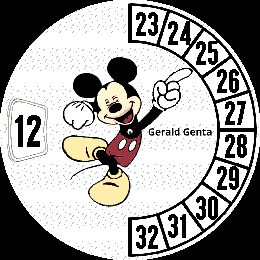
1Mickey Round 2.1
FacesPrevious version may have memory issues. Minute hand stays in place and the minute arc changes each minute. Looking forward to running it on my Round 2 when it arrives.
 0
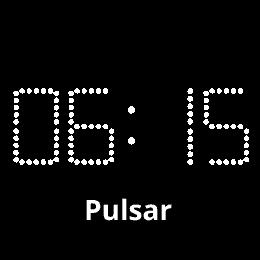
0Pulsar Round White
FacesRed looks really good in the emulator, but on my Pebble Time 2 it is almost un-readable. White works so I made a white version.
 0
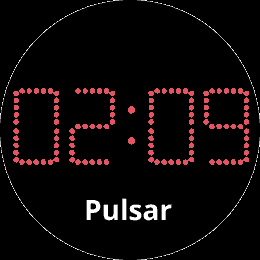
0Pulsar Round
FacesRound version. Won't know if it looks OK on a watch until my Round 2 arrives ( next month? )
 1
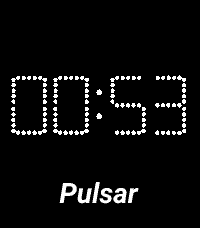
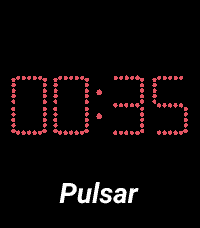
1Pulsar White
FacesRed digits hard to read. White easy to read, but not as authentic. Setting for 12 or 24 hour display.
 4
4Pulsar Red
FacesMade my own font to match what I see in pictures of old watches. Setting for 12 or 24 hour display.
 2
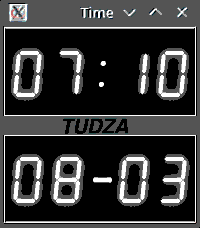
2Python Clock
FacesDesktop clock I wrote in Python. Didn't have to resize the digits and I could just copy the artwork over the Nixie Clock face.
 2
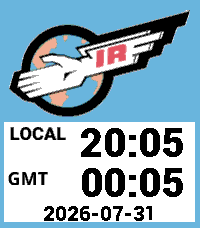
2International Rescue
FacesThe Tracy family business.
 1
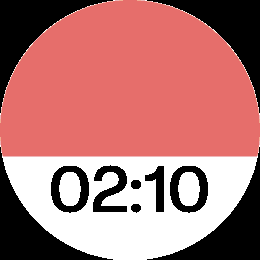
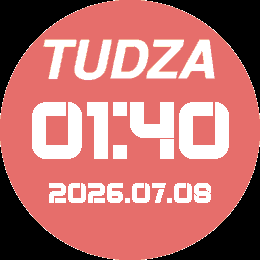
1Pantone Round
FacesPantone 021 C. Your mileage on an e-ink screen may vary. 24 Hour time
 1
1Orange Big Numbers
FacesBig numbers for time. Reasonably large numbers for date. User settings for 12 and 24 hour time.
 3
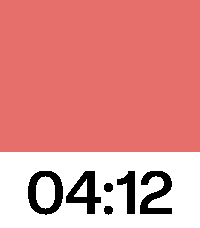
3Pantone 21 C
FacesPull out your paint swatches and see how they compare to your Pebble display. Really, I just like this color so I made a face for it.
 1
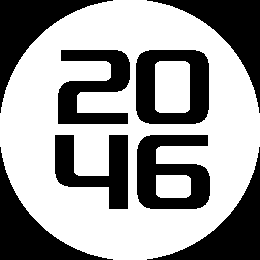
1Big Numbers Round
FacesUser setting for 12 or 24 hour time format.
 1
1Guys Upstairs
FacesDon't know if this improv group is around anymore, at least by this name
 1
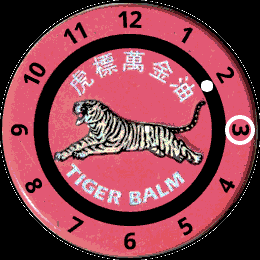
1Tiger Balm
FacesWhite ring moves on the hour. White dot moves every minute.
 1
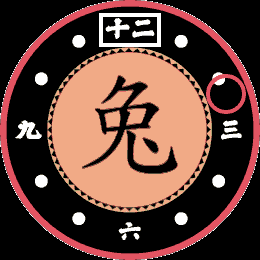
1Rabbit Round
FacesWhite hour markers change on the hour. Red minute circle now moves every minute.
 5
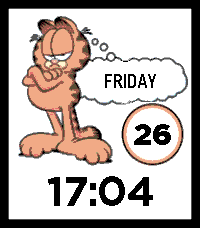
5Garfield 24 12
Faces12 or 24 hour time. Settings on watch or in Pebble app.
 1
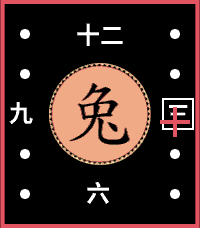
1Rabbit Rectangle
FacesRabbit character with time around it.
 8
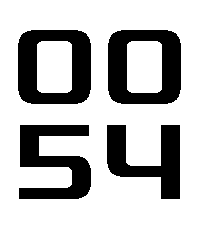
8Big Numbers
FacesFound a nice one of these, but it showed " 1" instead of "01" format hours, so I made my own. User selection for 12 or 24 hour time.
 1
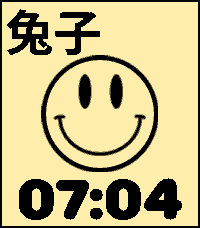
1The Monday
FacesSetting for 12 or 24 hours. Can be done on watch in System | Date & Time, but easier to do in the Pebble App in Active Watchface area. Special theme change on Mondays.
 9
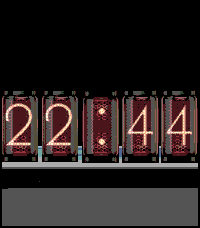
9Nixie Test
Faces24-hour nixie tube display
 1
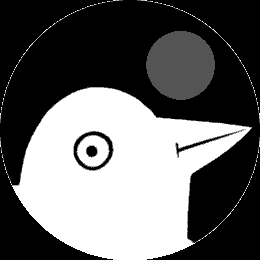
1Bird Moon Phase
FacesShows eight phases of moon. Calculated in the code since I don't know how to call this information from my phone, if there is a way to do that.