 25
25Where am I?
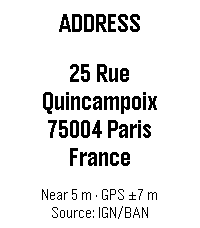
DailyFind out your location at a glance. Where Am I? uses your phone’s GPS to show the nearest street address directly on your Pebble. When an exact match is unavailable, it selects the closest known building or house number and clearly displays both its distance from your position and the current GPS accuracy. Press SELECT whenever you want a fresh location. Your previous address remains visible while the update is in progress, so the screen never goes blank. Use the UP or DOWN button to switch to the detailed position screen with latitude, longitude, altitude, and accuracy. Features: • Nearest address, building, or house number • Distance and GPS accuracy shown separately • Latitude, longitude, altitude, and accuracy screen • Address source displayed on the watch • IGN/BAN address lookup in France • Optional Geoapify worldwide lookup with OpenStreetMap fallback • Manual refresh with the previous result kept on screen • English, French, and Spanish support • Optimized layouts for rectangular and round Pebble displays, including Emery and Gabbro A phone connection, location permission, and internet access are required for address lookup. Geoapify is optional and can be enabled by entering a free API key in the app settings.
 25
25ScoreBoard++
Tools & UtilitiesScoreBoard++ is a app that lets you keep track of any score for any game for one team. Next Version(Soon): Support for 2 teams
 25
25CTATrack
DailyCTATrack gives you fast, focused transit info for Chicago right on your wrist. Find nearby CTA train stations and bus stops, then scroll through live arrival times without pulling out your phone. The app is optimized for quick checks while commuting, with clear line colors, readable timing, and one-button mode switching between rail and bus. Features - Nearby CTA train arrivals with line-aware display - Nearby CTA bus stop arrivals with route and direction hints - Configurable search radius for train and bus results - Metric or imperial units for both radius and distance display - Distance shown for each selected stop/station - Auto-refresh to keep arrival times current Notes - Designed for CTA service in Chicago - Requires location access to find nearby stops - Uses official CTA data sources for arrivals
 25
25Gemz Quest
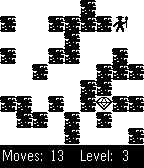
GamesFind the way to the gem by moving the blocks. Only survival mode for the moment, so think twice before moving or you'll have to start again ;) Press and keep back button to exit game.
 25
25Nebulo
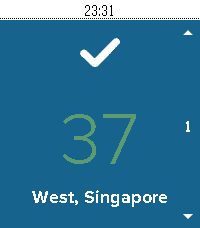
DailyNebulo is a beautiful way to know the air that's choking you without choking your eyes. All you'll ever need to know about the air around you will only be a few buttons away. Now with support for Singapore, Malaysia, Thailand and Hong Kong!
 25
25HiLo
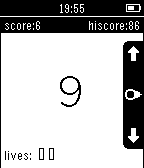
GamesA simple, addictive game designed exclusively to suit the Pebble. A random number between 1 and 10 is displayed. Will the next number be higher or lower? Get it right, and you earn a point. Get an extra life every 5 points. Try and beat your hiscore. Features: - 3 difficulty levels - Play for a while, then resume where you left off - 5 themes to customise the game - Turn vibration effects on or off Like the game? Then please ‘like’ the game and we’ll work on future features: - Localisation into French, German and Spanish - Optional accelerometer controls - Global hiscores Follow @eMBeeGames on Twitter for the latest HiLo news.
 25
25Korfbal Referee
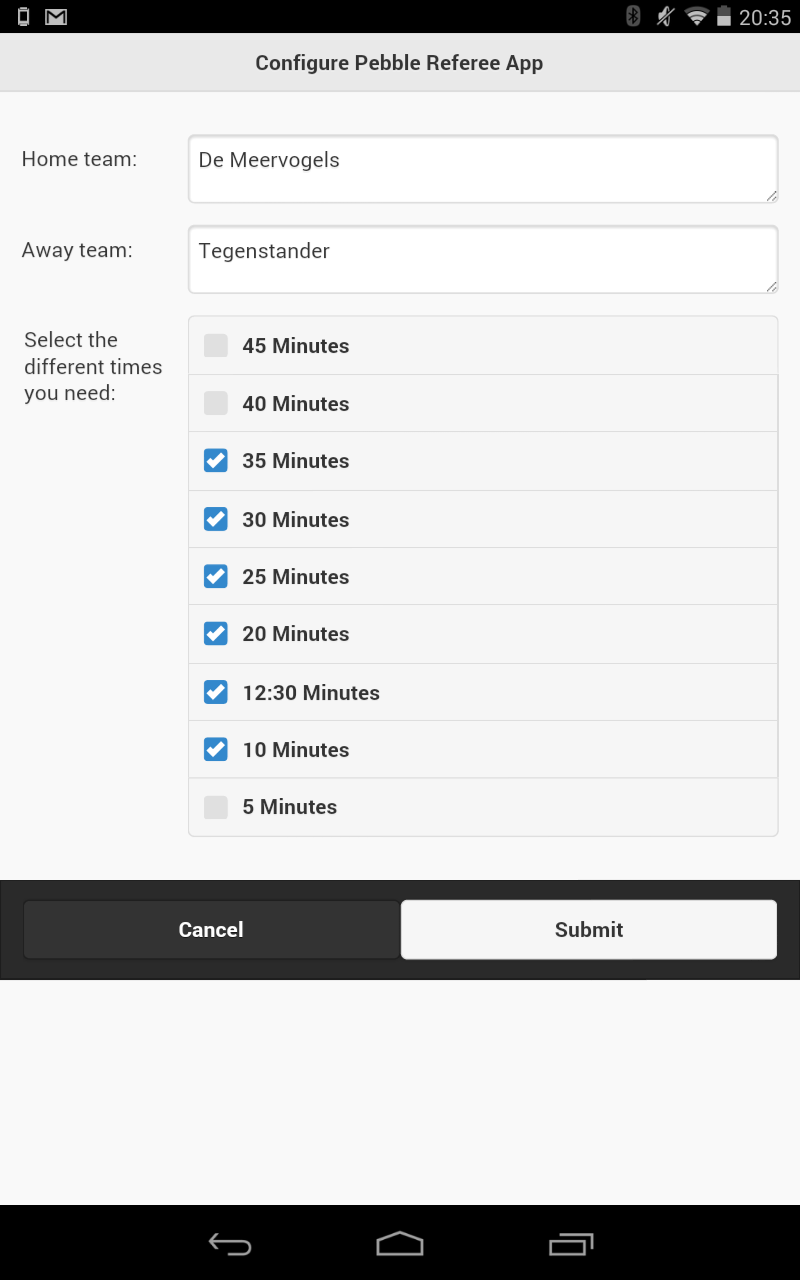
Tools & UtilitiesStop using a piece of paper and your stopwatch. With this app you can control the complete game. Countdown of time with vibration feedback on one minute befor the game time is over. Update: Added settings menu for the Pebble App, you can enter the home and away team name. Added a new menu when the timer is running, double press the middle button. In this menu you can reset the time or score.
 25
25UV Guard
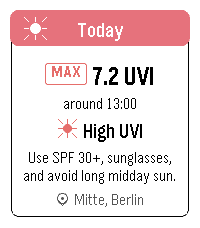
Health & FitnessUV Guard helps you know when the sun is worth taking seriously. Get a quick, glanceable UV forecast on your Pebble with the information that actually matters: how strong UV will get, when it peaks, and whether sunscreen, sunglasses, shade, or covering up is a good idea. The app shows Today and Tomorrow with maximum UVI, peak time, a simple four-part day timeline, and plain-language sun protection advice. It can use your current device location or a manually selected place. UV Guard can remind you before you head out with a morning UV digest, and warn you when the UVI reaches your chosen protection threshold. Forecasts are cached, so the watch can still show the latest available guidance when the phone or network is not ready.
 25
25Multi Time Viewer
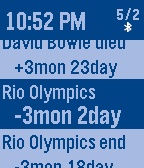
DailyMulti Time Viewer is a versatile time event viewer. This App show remaining time/day and elapsed time/day of each time event. You can use this app multi purpose like as - Daily/Weekly/Monthly routine time scheduler - Next Train time viewer - iCalender event viewer - World time clock Time type of event * Periodical Time - Daily, Weekly, Monthly, Yearly * Absolute Time * Offset Time - offset from current UTC time How to use 1. Create plain text Time List file. 2. Upload the Time List file to Web file server like as Dropbox. 3. Open SETTING Page and input Published URL of the Time List. 4. Push Save button and Pebble load the Time List. For more detail of Time List , Please look Samples on SETTING Page Key Operation * On Normal Screen - Up/Down to scroll items - Enter to open Menu (Title Menu on Title, General Menu on Item) - Long push Enter to do something which assined in menu * On Menu - Up/Down to scroll menu - Enter to select/change item - Back to quit menu Title Menu items - Load Time List from Web server - Delete Title from Pebble - NextTrain Holiday setting General Menu items - Goto Next item (may need to be sort by time) - Goto Top item - Push Timeline pin - Toggle Alarm (vibe) the item On/Off - Alarm Mode - Days format - Periodic Time treat as past or future - Sort items type - Display Second - Add Alarm item near this item - Add Alarm item near current time - Wakeup App by Alarm - Highlighting Item time Font size - Color Thema - Assign Long Push - Date format - Time Type - Disconnect Vibe
 25
25On This Day
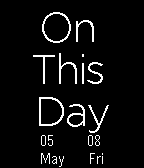
Tools & UtilitiesEver been looking at your watch or calendar and wondering: "What happened today in history?" Well now you can tell - right on your wrist! With loads of topics, from sport to film to politics - and more! This awesome app uses the numbersapi.com API to get events from the day selected. Also includes a 2 day backlog so you can check what happened in history on the past 2 days. Optimised as well as I could but further updates will be released. As always, if you have a bug, question, or simply want to say hi, send me an email at the address below.
 25
25Workout Rounds
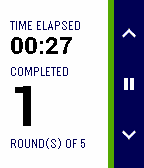
Health & FitnessUpdate June 2015: Color for Pebble Time | New workout countdown timer option | Updated timer screen layout Use your Pebble watch to keep a simple track of your timed workout / WOD rounds or sets. During the workout, use the app to take away the need to remember rounds, allowing you to focus on performing and counting the exercise repetitions. Select the type of workout from a time or round limited workout, set the limit and begin!
 25
25BAC2Sober
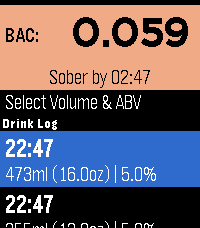
Tools & UtilitiesBAC2Sober is a premium, real-time blood alcohol tracking companion for your Pebble smartwatch. Built with a focus on speed, privacy, and native Pebble aesthetics, it utilizes the trusted Widmark formula to dynamically calculate your current BAC and estimate the exact time you will be completely sober. Whether you are sipping a craft taster or splitting a full bottle of wine, BAC2Sober makes logging your drinks effortless. Features: - Real-Time Tracking: A live dashboard tracks your current BAC and continuously updates your "Sober By" countdown every minute using the system tick timer. - Built-In Watchface: Check your current BAC and countdown to sobriety directly from your wrist without needing to launch the app. - Dynamic Geometric Graphics: Watch your drinks fill up on the screen! Native 2D vector graphics beautifully replicate standard cans, tallboys, bottles, growlers, wine glasses, and shots—keeping the app incredibly fast and lightweight. - Precision Logging: Dial in exact volumes (Metric or Imperial) and ABV percentages down to 0.1% for maximum accuracy. - Timeline Integration: Optionally push a notification pin to your Pebble Timeline when you mathematically hit a specific Target BAC (e.g., 0.05% or 0.00%). - Theme Engine: Fully supports Dark, Light, and Auto modes to match your watch's hardware, highlighted with vibrant UI colors on modern displays and clear high-contrast layouts on monochrome screens. - Accessibility: Fully respects system-wide Pebble OS text size preferences (Large/Small) so text dynamically scales to match your readability settings. Fully touch-enabled interface including a 'back' gesture (for PT2 and PR2). - Privacy First: 100% of your data remains locally on your wrist. No accounts, no cloud sync, no tracking. Liability Disclaimer: The developers of BAC2Sober assume no responsibility for the misuse of this application or the accuracy of its blood alcohol estimates. This application is for entertainment and informational purposes only. It is not a medical device, nor a legal breathalyzer. Its calculations must never be relied upon to determine your ability or fitness to operate a motor vehicle, heavy machinery, or make safety-critical decisions. Always exercise personal responsibility and never drink and drive. AI Disclosure: The source code, geometric vector generation, and user interface for this application were developed in collaboration with an AI language model. The underlying mathematical implementations and firmware integrations were validated against the official PebbleOS open-source SDK.
 25
25Flashback F1 Results
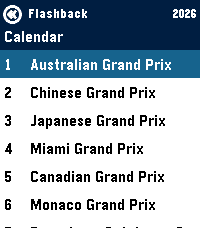
Tools & UtilitiesGet info on the current F1 Formula 1 Season - Current calendar + weekend schedule in your local timezone - Timeline pins for each event per weekend - Drivers Standings - Team Standings
 25
25Periodic Table
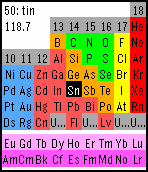
Tools & UtilitiesA colorful periodic table of the elements. You can select an element by four buttons. (long press back button to quit.) Atomic number, name and standard weight will be displayed depending on your selection. Sometimes you can test your knowledge in "exploring mode". Standard weight is based on IUPAC 2011 Standard atomic weights abridged to four significant digits.
 25
25Dragon Fist
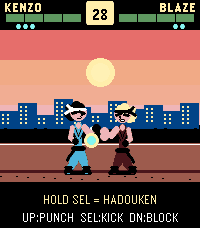
GamesArcade fighter for Pebble Time 2. KENZO vs BLAZE in endless mode — punch, kick, block, and unleash 3 Dragon Blaze chi blasts per round. Survive as many rounds as you can. Share with #pebbledragonfist