Counter
MrBlue
Watchapp

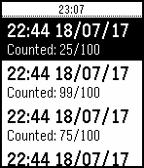
Description
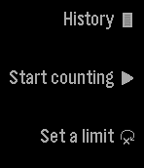
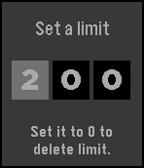
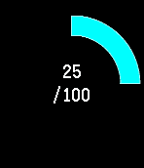
Count using the up and down buttons. You can set a limit to how far you want to count. You can also save your counts by long pressing select on the counting screen. (It is not currently possible to restore them.) Reset it by long pressing on the down button. You can delete an element from your history by long pressing on the select button.
- DeveloperMrBlue
- CategoryTools & Utilities
- PlatformsOG Pebble, Steel, Time/Time Steel, 2, 2 Duo, Time 2 (scaled)
- Updated2017-07-18
- Version1.2