Apple Notes
Pebble
Plugin
Description
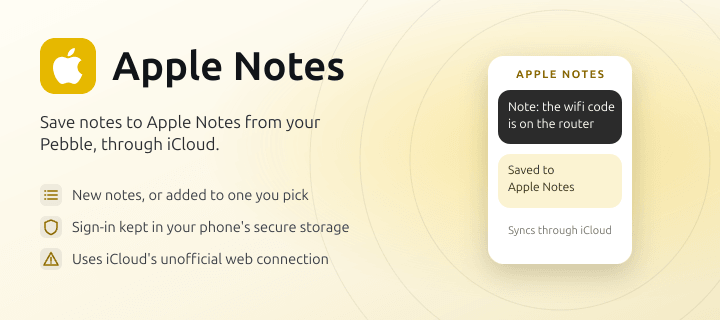
Save notes to Apple Notes from your Pebble watch or Index ring.

Say what you want to save, for example "Note: the wifi code is on the router". It's saved as a new note, or added to the end of a note you pick, and syncs to your Apple devices through iCloud.

This plugin uses an unofficial connection to iCloud. Apple has no public API for Notes, so the plugin talks to iCloud the same way the iCloud website does. Apple could change this at any time, and the plugin would stop working until it's updated.

Security and privacy:
- You sign in on Apple's own iCloud sign-in page. The sign-in is stored in your phone's secure storage and is only used to save notes.
- Notes go from your phone straight to iCloud over HTTPS. They don't pass through Pebble or Core Devices servers.
- The source code is on GitHub.

To set it up, install the plugin, open its settings and sign in with your Apple ID.
- DeveloperPebble
- CategoryNotes
- PlatformsOG Pebble, Steel, Time/Time Steel, Time Round, 2, 2 Duo, Time 2 (scaled), Round 2 (scaled)
- Permissions
- Updated2026-11-08
- Version0.3.3