Find my iPhone or Android
astosia
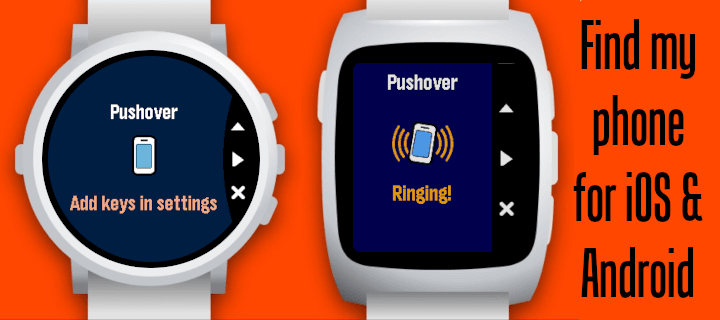
Watchapp
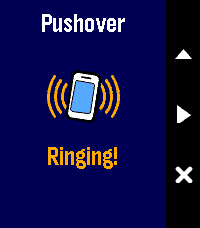
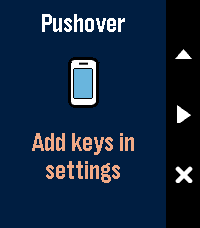
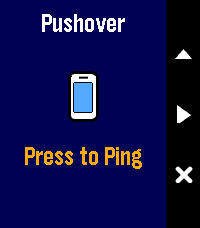
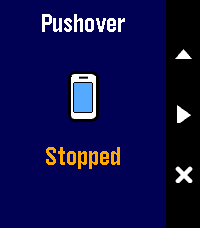
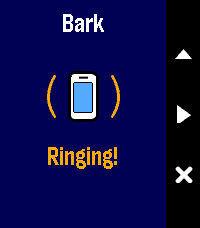
Description
Simple watchapp that makes your Phone ring when you press a button

- iOS for iPhone or iPad
Uses iOS alert notifications pushed via either the Pushover or Bark Apps. Because it uses iOS Critical Alerts, it works even when the phone is on silent or in Do Not Disturb. Requires the phone to have an internet connection

- Android
Android users can set up Pushover and/or ntfy for notifications-based alerts. Both require the phone to have an internet connection to work.
You can also use Phone Alarm. Phone Alarm plays an alarm sound directly from the Pebble app on your phone. It doesn't need an account, another app or internet.  It plays at your phone's media volume, not the ringer volume. Android's silent and vibrate modes don't mute media, so it should ring on silent as long as the media volume is turned up.

Setup more than one service so you can switch between them on your watch (if one doesn't work, try another one!)

(For all except Phone Alarm) you'll need one or more of the following apps on your phone to be set up:
- https://pushover.net/ (iOS and Android) has a free trial, then a small one off fee
- https://github.com/Finb/Bark is free & open source
- https://ntfy.sh/ (best on Android as does not use Critical Alerts on iOS) is also free

Instructions for setup are available on the README on the github source link below (a shorter version is inside the phone settings page)
- Developerastosia
- CategoryTools & Utilities
- PlatformsOG Pebble, Steel, Time/Time Steel, Time Round, 2, 2 Duo, Time 2, Round 2
- Updated2026-10-19
- Version2.1.0