Location Sharing
Pebble
Plugin
Description
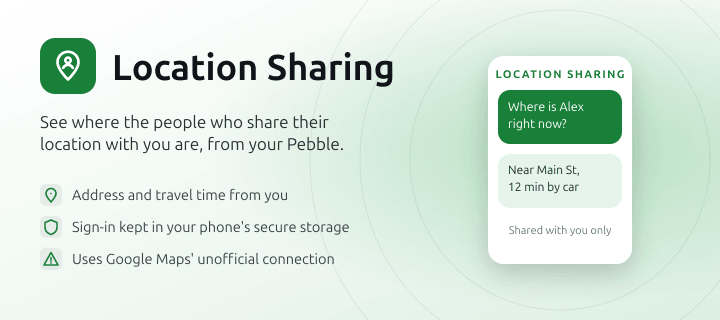
See where the people who share their location with you on Google Maps are, from your Pebble watch or Index ring.

Ask "Where is Alex right now?" and you get the nearest address and how long it would take to get there from where you are, by car, on foot or by bike. It only shows people who already share their location with you in Google Maps.

This plugin uses an unofficial Google API. It reads shared locations the same way Google Maps does, not through a public API. Google could change this at any time, and the plugin would stop working until it's updated.

Security and privacy:
- You sign in on Google's own sign-in page. The sign-in is stored in your phone's secure storage and is only used to read the locations shared with you.
- Your own location is only used to work out travel times.
- Locations come straight from Google to your phone over HTTPS. They don't pass through Pebble or Core Devices servers.
- The source code is on GitHub.

To set it up, install the plugin, open its settings and sign in with Google.
- DeveloperPebble
- CategoryPeople & Location
- PlatformsOG Pebble, Steel, Time/Time Steel, Time Round, 2, 2 Duo, Time 2 (scaled), Round 2 (scaled)
- Permissions
- Updated2026-11-08
- Version0.13.5