Pebbloto
Rosewarne
Watchapp


Description
The volume is too loud and the Yoto is across the room? The card they ask for is lost under the sofa? You've finally left the bedroom and don't want to go back in to switch it off? No problem!

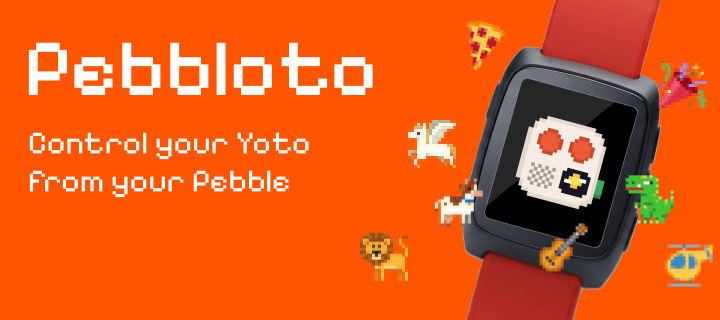
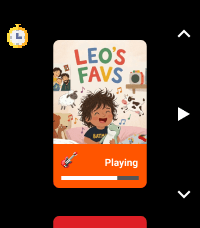
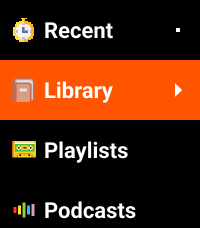
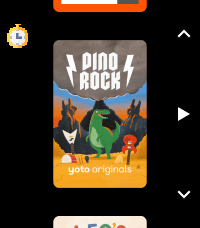
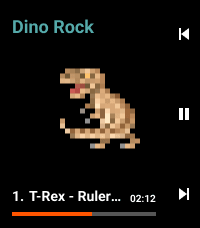
Pebbloto puts your Yoto on your wrist: browse your library as covers, play a card, pick a track, pause and change the volume, mostly without looking.

Big library? Just say what you want. Tap Search, say a title or a few words about the story, and there it is.

Bedtime? Set a sleep timer (15 minutes, an hour, the end of the track or your own time) and the Yoto stops on its own, even if your phone falls asleep first.

How to start:
1. In the Pebble app, open Pebbloto's settings.
2. Tap "Sign in to Yoto" and sign in. Yoto may say the app isn't verified yet. That's expected.
3. Done. Your library shows up on the watch.

Your Yoto needs to be on Wi-Fi, and that's it: it can be in another room or another house. Commands go through Yoto's servers (MQTT), so sometimes they take a second or two. That's normal.

Your sign-in and library stay on your phone. No servers, ads or analytics. Voice search uses the watch's own dictation.

I built it for bedtime at home and use it every day. I hope you enjoy it, and I'd love your feedback: write to me from this page.
- DeveloperRosewarne
- CategoryRemotes
- PlatformsTime 2
- Permissions
- Updated2026-11-12
- Version1.2.1