PicoCanvas: Pixel art watchface!
eromanox
Watchface
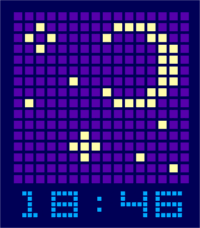
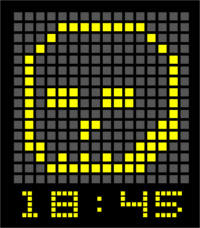
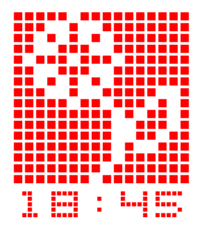
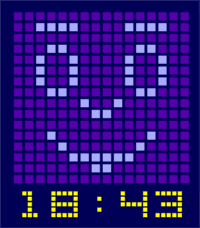
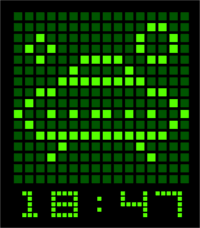
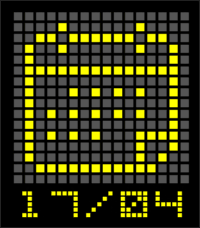
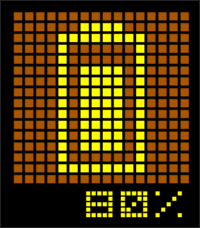
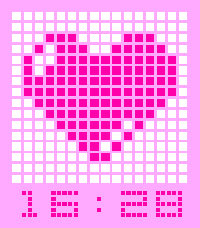
Description
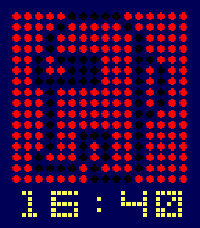
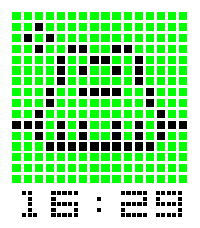
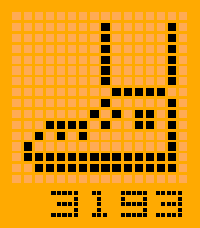
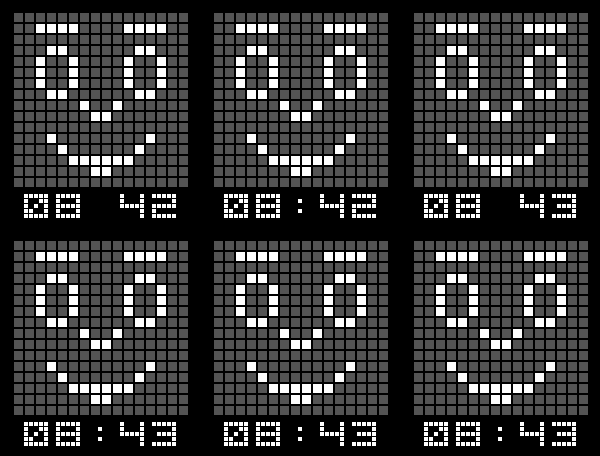
PicoCanvas is a minimal yet expressive watchface that blends time, interaction, and retro-style visuals into a unique experience. It’s not just about checking the hour — it’s about seeing your watch come alive.

Features:
 • Clean pixel-style clock: A bold and readable time display built from custom pixel glyphs.
 • Custom pixel glyphs: Choose between different built-in pixel art designs for your watchface background. Rounded pixels option is available too!
 • Multiple themes + full custom colors: Choose from built-in themes or create your own color palette.
 • Interactive gesture system: Flick your wrist to reveal more information:
	 Calendar
	 Battery level
	 Step counter
	 Weather
	 Then back to time
 • Bluetooth awareness: When connection is lost, shows a visual alert on screen with optional vibration (It can also be triggered via wrist gesture)

How it works:
Your watch normally displays the time. Perform a wrist flick gesture to cycle through:
	1.	Calendar
	2.	Battery
	3.	Step counter
	4. Weather
	5.	Back to time
You can toggle which information to display via wrist gesture and adjust the duration.
If Bluetooth disconnects, you’ll instantly see a visual alert.
You can fully customize colors or use predefined themes.

PicoCanvas is just getting started! What’s coming in future updates:
+ Create your own pixel art directly from the settings
+ Animated pixel transitions
+ More glyph packs and styles
+ More interactive features

Why PicoCanvas?:
Because your watchface shouldn’t be static. PicoCanvas brings subtle interaction, personality, and customization into a lightweight design that feels both retro and modern — inspired by the creativity of early mobile platforms, now reimagined for Pebble.
- Developereromanox
- CategoryFaces
- PlatformsTime/Time Steel, Time 2
- Updated2026-06-14
- Version1.40