Tesla Remote
TomBolger
Watchapp
Description
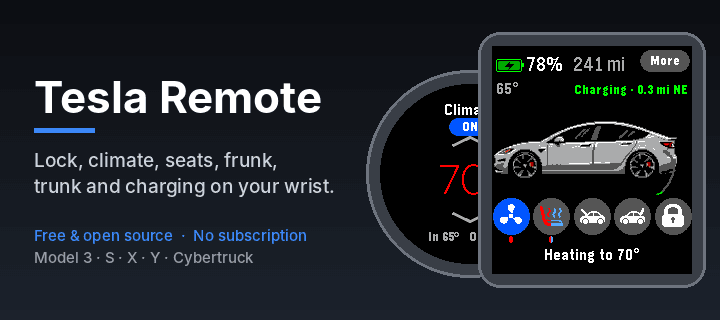
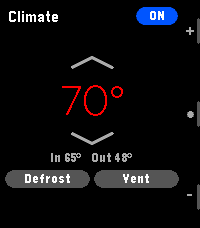
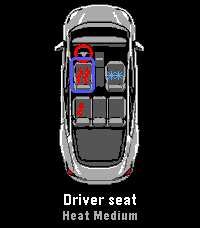
Lock and unlock, open the frunk and trunk, set the climate and seat heat, and check charging, all from your wrist.

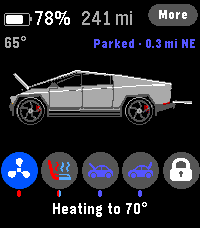
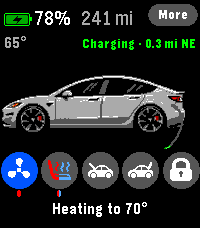
- Battery, range, inside temperature, and distance and direction to your car
- Climate on/off and temperature, with optional split driver/passenger
- Seat heat and cooling for every seat, heated steering wheel, defrost
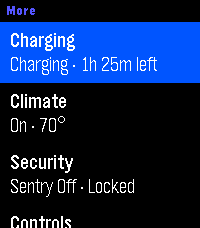
- Charging: start/stop, charge limit, amps, charge port, nearby Superchargers
- Sentry, Guest Mode, Dog and Camp mode, cabin overheat protection, windows, lights and horn
- Cybertruck: tailgate and powered tonneau
- Works with Model 3, Model S, Model X, Model Y and Cybertruck
- Touch support on Pebble Time 2, Round 2 and Pebble 2 Duo

The watch always shows what the car reports, and updates as soon as the car accepts a change.

Setup takes about 10 minutes, once: open the app's settings in the Pebble phone app and follow the four steps. Your car key stays on your phone. Everything runs on your phone through Tesla's official Fleet API; Tesla's free monthly allowance covers normal personal use.

Not affiliated with or endorsed by Tesla, Inc.
- DeveloperTomBolger
- CategoryRemotes
- PlatformsTime/Time Steel, Time Round, 2, 2 Duo, Time 2, Round 2
- Permissions
- Updated2026-11-12
- Version1.0.1