TickTick Timeline
pascaloon

Watchapp
Description
Unofficial TickTick integration for the Pebble Watch.

This app is not affiliated with the official TickTick team. This is a community project because I love Pebble and I love TickTick!

Key features:
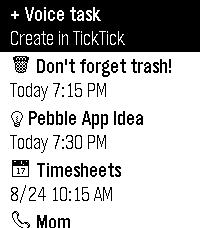
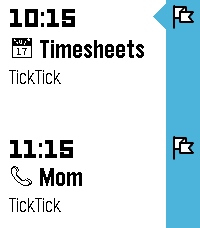
- Sync tasks from TickTick to the Pebble Timeline
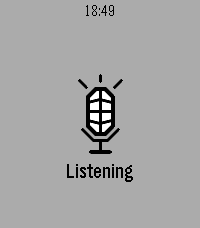
- Create tasks with Pebble Voice Dictation
- Take basic actions on tasks

Known limitation:
At the moment, the app doesn’t have a companion app, so you need to open the TickTickTimeline watch app to sync tasks from TickTick.

Setup (MUST-DO):
1. Install this app.
2. Go to the app settings in the Pebble mobile app.
3. Enter your TickTick API key.

How to get your TickTick API key:
1. Open TickTick in a web browser (this only works on the web version).
2. Click your profile picture and go to Settings.
3. In the Account tab, next to API Keys, click Manage.
4. Click Add New Key.
5. Name it whatever you like, such as "Pebble" and click Add.
6. You should see the API key, partially hidden. Click the Copy button.
7. Paste the key into the TickTickTimeline settings page.

Disclaimer: This app is 99% vibe-coded, so there might be a few bugs here and there. But this project is free and open source, so there's that.
- Developerpascaloon
- CategoryDaily
- PlatformsTime 2
- Updated2026-08-23
- Version0.1.0