Rombra
Noah Kiser
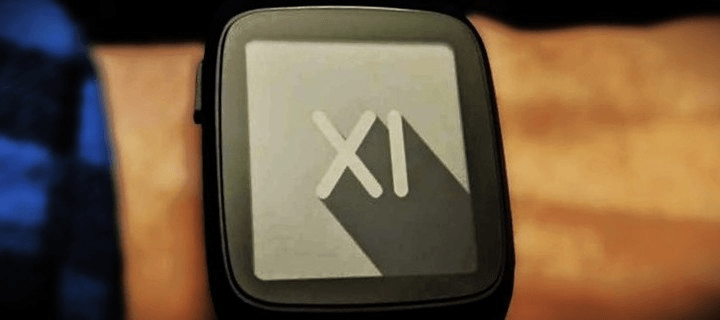
Watchface
Description
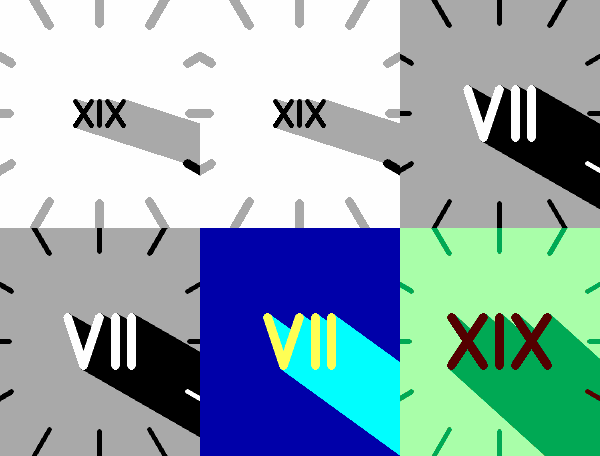
Roman Umbra, where sundial meets clockface.

**No AI was used to develop this watchface**

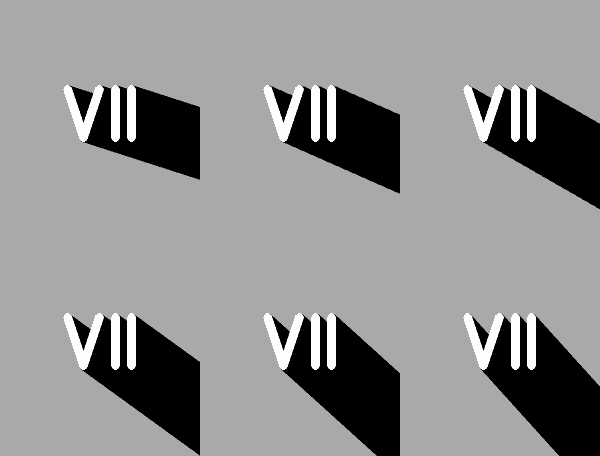
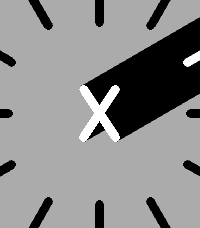
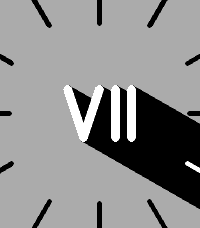
How to read the time: The umbra (shadow) direction is the minute, with Roman numerals for the hour.

Display updates once per minute, and re-sizes for Timeline Quick View.

Create a daily color changing schedule! Set the backlight to go red at 9pm**, or the numeral and shadow to be Green at high noon. Color schedule is optional and stored on the watch. Up to 10 scheduled theme changes per day.

Configuration:
- Colors of the numeral (hour), umbra (minute), background*, and backlight**.
- Size of numeral, and thickness of optional 5-min ticks.
- Toggle vibration at the top of the hour +-5mins (adjustable).
- Toggle vibration when bluetooth disconnects.
- 12hr/24hr mode (I-XII / 0-XXIII)
- Arabic Numerals (if you really want them)

* On monochrome displays, the background and umbra can be set to white, black, or gray. The hour numeral can only be white or black.
** Backlight color adjustment only available on Pebble Time 2 on supported firmware versions.

Source and Issues at https://github.com/KiserDesigns/Pebble_RomanShadow
- DeveloperNoah Kiser
- CategoryFaces
- PlatformsOG Pebble, Steel, Time/Time Steel, Time Round, 2, 2 Duo, Time 2, Round 2
- Updated2026-07-06
- Version2.2.0