 490
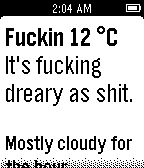
490MF'n Weather
DailyCAUTION: This app is full of profanity. It's the most vulgar, inappropriate, foul, disgusting weather app. I think it's funny. Celsius is now supported, hit the select button to bring up a menu.
 489
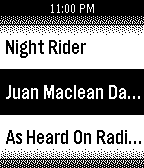
489Playlists Remote for Spotify
RemotesEasily switch between your Spotify playlists with this simple Pebble app! Requires Android only companion app.
![Facebook [Pebble Rocker]](https://assets.repebble.com/screenshots/52dc123675436be7420000a6-1.png) 480
480Facebook [Pebble Rocker]
Daily- Browse your Facebook feed on your Pebble watch. - View feed entry picture (the picture associated with a status update / wall post). - View feed entry comments. IMPORTANT: This watch app requires the Pebble Rocker companion app available via the Google Play store.
 473
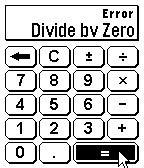
473Tilt Calc
Tools & UtilitiesA traditional Calculator on a Smartwatch can be cumbersome due to the limited number of input options available. Tilt Calc solves this problem by allowing you to perform calculations with the tilt of your wrist. Simply tilt the watch in any direction to move the cursor. Make a selection with any button on the right side of the Pebble Smartwatch.
 471
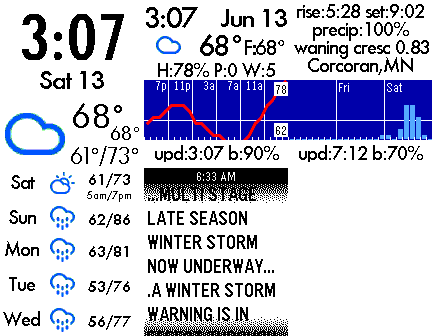
471Forecast Weather App
DailyCurrent Weather and Weather Trends 24 hours trend for temperature and precipitation 5 Day forecast 3 Day for precipitation (3 hour resolution) 60 minutes for precipitation (by minute) Weather Alerts Data from forecast.io (or openweathermap.org)
 465
465Rebble
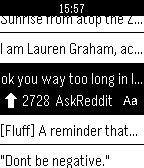
DailyReddit on the Pebble Smartwatch. With Rebble, you can easily view Reddit on the go; You can read threads and view linked images. You can sign in and browse your favorite subreddits and even upvote and save your favorite posts. Heck, you can even downvote those other guys. No companion app is required!
 465
465Arena3D
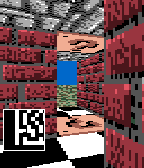
GamesA simple Doom or Wolfenstein like 3D raycaster. There is no goal or objective, just walking around and seeing the Pebble's ability to render a 3D game. Use the accelerometer to move. To remain stationary, watch should be flat with screen pointing up Tilt up/down to move forward/backward Tilt left/right to rotate Hold the bottom button and tilt left/right to strafe. Press the middle button to shoot out walls. (Try going outside!) Press the top button to generate a random maze. The smiley face guy is just there as a sprite rendering test. He doesn't do anything besides sit there and be happy. He knows you cannot harm him. Currently, sprites only show up in the black and white version. I made this over a year ago (posted it to mypebblefaces.com) and planned on fleshing it out into a full fledged game, but I mostly only got negative feedback (nobody wants a 3D game on their watch). If anybody would like this progressed any further, let me know. Either way, I may continue to update it from time to time just for fun. I have shared the full source code if anyone wants to learn how this was created. Source: https://github.com/robisodd/
 461
461Skipstone
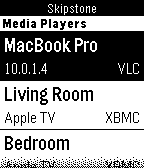
RemotesA fully featured universal media player remote watch app that allows you to control Plex, VLC, XBMC and WDTV. Skipstone is an open-source project by @petehare, @spangborn, and @iNeal. Source code available on GitHub: https://github.com/Skipstone/Skipstone Thanks to John La Motta for the graphics.
 457
457Weather
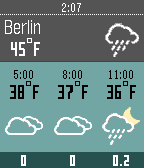
DailyDisplays current weather condition and temperature for your current location. Forecast for next hours and next 3 days. - 'select' button = middle button: toggle hourly and daily forecast - 'down' button: toggle precipitation and wind-speed forecast (dark green background: precipitation, blue background: wind) Data source: - daily conditions: Yahoo Weather - hourly conditions, precipitation and wind-speed forecast: OpenWeatherMap Precipitation values are predicted amounts of precipitation in mm, wind-speed is in m/s if you are on Celsius or miles/h if you are on Fahrenheit.
 455
455SmartStatus-op
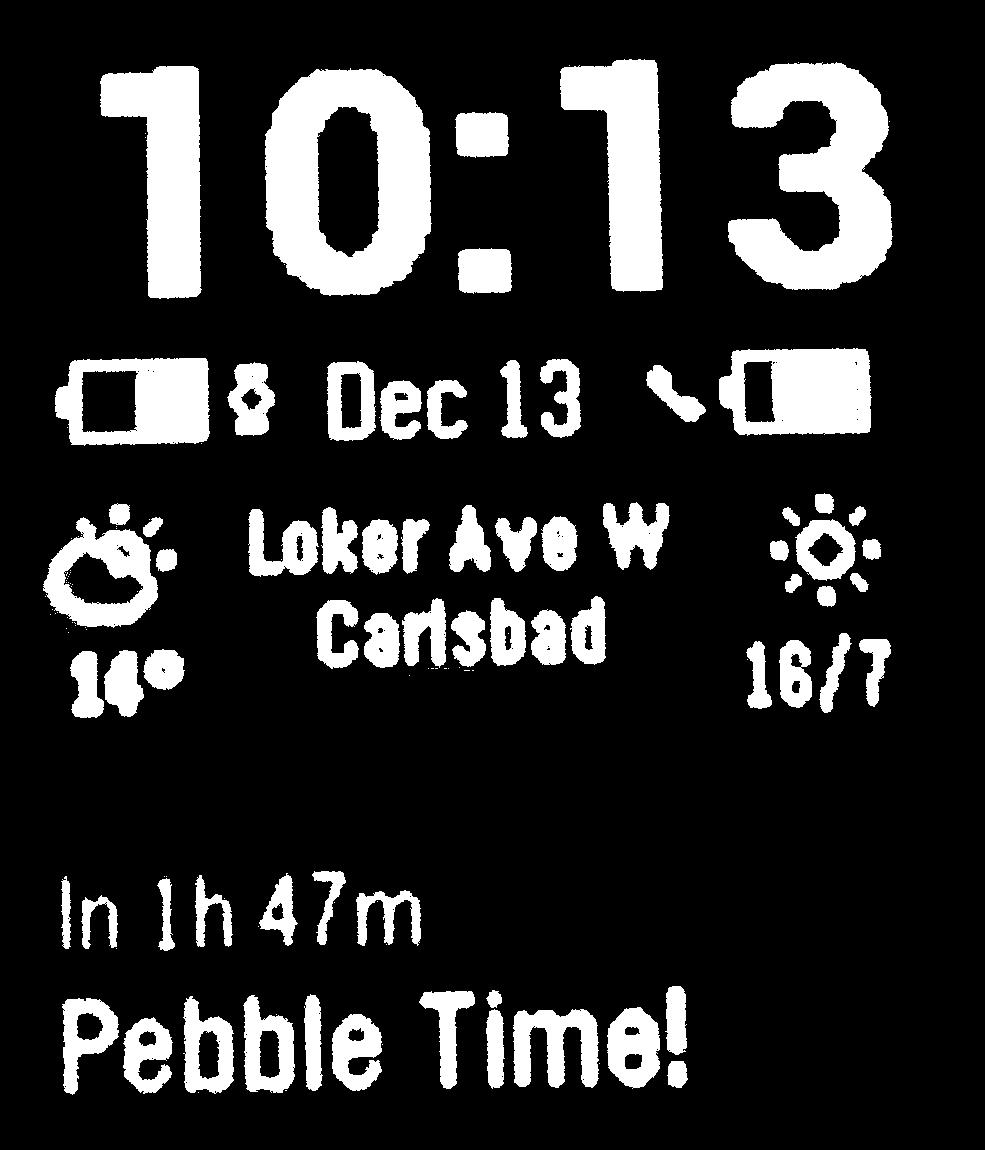
DailyThis is a modified version of the SmartStatus watch app by Robert Hesse. It only works in conjunction with the Smartwatch+ iOS app available on the Apple App Store: http://itunes.apple.com/us/app/id711357931?mt=8 On screen info: - time and date (month and day only) - status information showing the connectivity status with the phone app - battery indication (icon only, no text) - current day's wea
 451
451Home Assistant WS
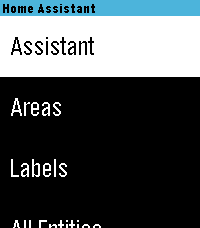
RemotesHome Assistant control with real-time updates, voice commands, entity history, calendars, and support for a wide range of devices and helpers. Control your Home Assistant smart home directly from your watch. Browse and control entities, check live states, view history graphs, view and edit calendars, manage To-Do lists, control media, and use voice commands with Home Assistant Assist, ChatGPT, and other conversation agents. * Real-time Home Assistant status updates and control via WebSocket * Browse entities by area, type, or favorites * Control lights, switches, fans, covers, climate devices, alarms, timers, media players, and much more * Voice commands with multiple Home Assistant conversation agents * View entity history with graphs and recent state changes * View and edit Home Assistant calendars and events * Full media controls including volume, seek, source, shuffle, repeat, and speaker grouping * Manage Home Assistant To-Do lists * Edit helpers including numbers, selects, text, dates, and times * Touchscreen support on compatible watches * Support for all Pebble screen sizes, including round watches and Pebble Time 2 Home Assistant WS connects directly to your Home Assistant instance and does not require a separate cloud service. iOS Compatibility Note: This app requires the new Core Devices Pebble app for iOS. The older legacy Pebble app uses an outdated JavaScript engine and is not compatible.
 451
451Ledge Climber
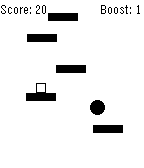
GamesHow high can you climb? Tilt your Pebble to the left or right to move your climber in that direction and scale the mountain. Collect boosts to scale up the mountain even faster! Watch out of for the hollow ledges, those will break once you jump on them. Customize the colour scheme, difficulty, sensitivity, vibration, and backlight settings all on your watch. Have fun!
 448
448Todoist Mini
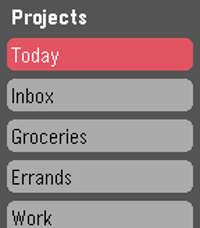
DailyUnofficial Todoist app for Pebble Time. Now maintained by Konrad Iturbe: https://github.com/KonradIT/todoist-pebble Todoist is a cloud based task management and todo list tool available on a wide variety of platforms. Works great for everything from simple shopping lists to project management. If you've just been looking for a basic todo list app on the pebble to keep yourself organized, todoist should work great! If you are not an existing user just sign up for an account at http://www.todoist.com. After that you'll be able to easily add/remove items and projects from your phone or PC and view them on your watch! Features: - Log in to your account via google or standard Todoist login. - Scrolling Text for items that overflow the width of the screen, the scroll speed is customizable via the config screen. - Completely customizable colors! Create your own style of interface using any of Pebble's 64 supported colors. - View and complete items from any of your Todoist projects. - Supports indentation, due dates, and completion of recurring tasks. - Add new items to your projects using the microphone on devices that support it.
 447
447Pebbal - Miniature Pinball
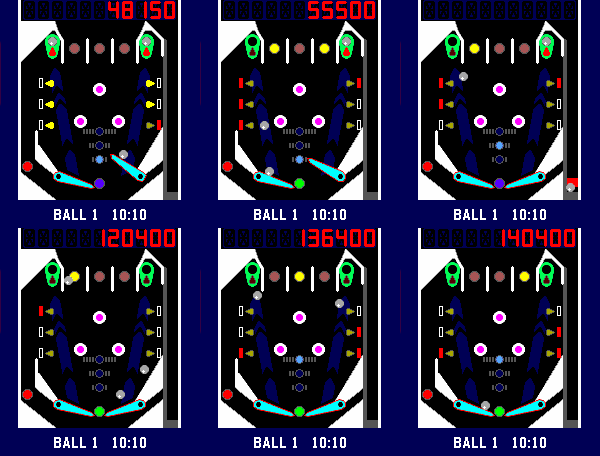
GamesPebbal is a miniature pinball machine that you can play on your wrist* wherever you go! It features all the classic pinball mechanics you love: skill shots, bumpers, through lanes that act as bonus multipliers, a rechargeable kickback, and of course MULTIBALL, complete with jackpots that let you chase even higher scores. To start the 3 ball multiball mode you will need to lock a ball on both the top left and right side in the green lock zone, and then hit all the red drop targets. Once multiball starts, lock them again to collect the jackpot! Default controls in horizontal mode: - Up button controls the right flipper - Down button controls the left flipper - Select button starts and pulls the plunger when held Default controls in vertical mode: - Select button starts and controls the right flipper - Down button controls the left flipper - Up button pulls the plunger when held Bindings in either layout: - Back button pauses the game, when held it exits the game. - Holding the up button when paused or in attract mode toggles haptic vibrations. - Holding the down button when paused or in attract mode toggles between the vertical and horizontal layout. * You might want to take it off your wrist to play it though, that way you can rotate your pebble 90 degrees clockwise for a better button and screen layout. However you can play in vertical layout too, either change it in the settings or hold the left button in the games attract mode.
 443
443Tamagotchi Emulator
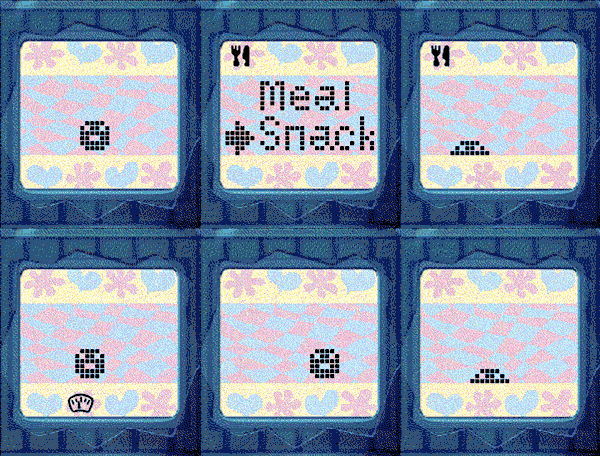
GamesNEW: Now with sound for Pebble watches with speaker! Press A+C to toggle the sound. Tamagotchi Emulator for Pebble! Run the original 1996-1997 Tamagotchi (P1 and P2) on your Pebble. Includes optional support for running your own background service to keep your Tamagotchi running when closed. Tamagotchi is a virtual pet which you need to take care of! Watch it evolve based on your care for it. How long can you keep your pet alive? If you like this project, please drop a heart! Thank you :) (You could help me win a Pebble so every like makes a difference!) See the readme for full instructions on how to get started: https://github.com/StefanBauwens/Tamagotchi-Emulator-Pebble You can also use this app together with the TamaTime watchface! (https://apps.repebble.com/c80224317250460987b9bb68) Never miss a call for attention! Created for the Pebble 2026 Spring Contest. Powered by TamaLIB by jcrona.