Earshot
Limmat Studios
Watchapp
Description
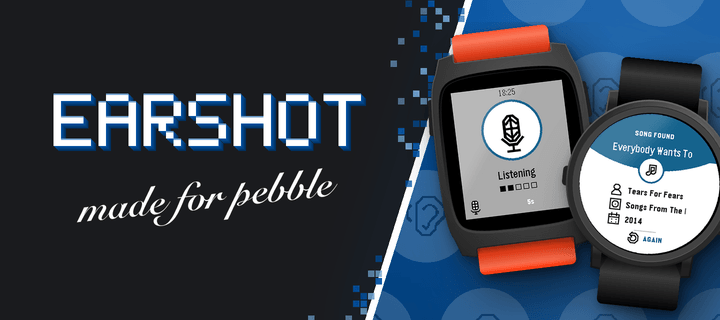
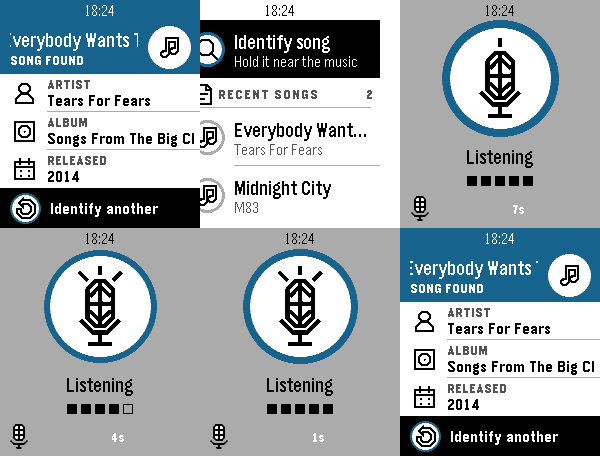
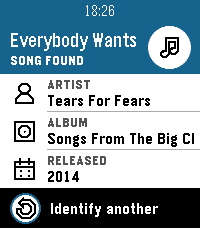
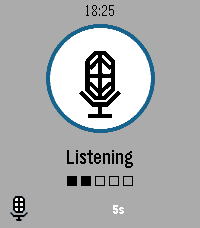
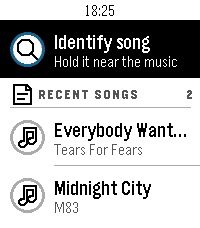
Name the song that's playing, right from your wrist. Press the middle button, hold your Pebble near the music for ten seconds, and Earshot tells you the title, artist, album and year.

- Listens through your Pebble's own microphone, no need to take out your phone
- A song card with the title, artist, album and release year
- Your last 10 songs are kept on the watch: scroll down to see them again
- Clear messages when there's no match, the phone isn't connected or the microphone is off

Before the first use, allow the Microphone for Earshot on its page in the Pebble app. Recognition needs your phone's internet connection and is powered by AudD. Earshot is not affiliated with AudD or any music service.

Works on Pebble Time 2 and Pebble Round 2.
- DeveloperLimmat Studios
- CategoryTools & Utilities
- PlatformsTime 2, Round 2
- Permissions
- Updated2026-11-07
- Version1.0.7