HA TV Remote
Eddie Baker
Watchapp


Description
A remote for all Home Assistant TVs.
It works with Apple TV, Android TV (through the Android TV Remote integration) and VIDAA TVs (through the Vidaa TV integration).

Button
Select: sends an OK command
Hold Select: Switches mode: left/right, then up/down, then volume.
Hold Up or Down: Opens the watch app menu
Back: Sends a Back command to the TV
Double-tap Back or Long press Back: Exits the app

Modes

left/right (default): Up moves left, Down moves right.
up/down: Up and Down move up and down.
volume: Up and Down change the volume.

Menu

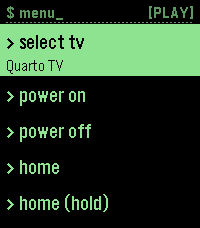
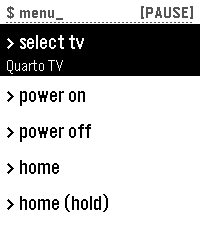
Hold Up or Down to open it. Up and Down scroll and wrap around, and Select chooses.

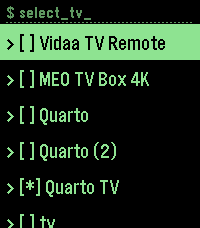
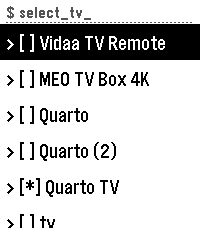
select tv: opens the list of TVs. Pick one to control it. power on / power off home and home (hold)
- DeveloperEddie Baker
- CategoryRemotes
- PlatformsOG Pebble, Steel, Time/Time Steel, Time Round, 2, 2 Duo, Time 2, Round 2
- Permissions
- Updated2026-11-10
- Version1.1.2