Description
DESCRIPTION
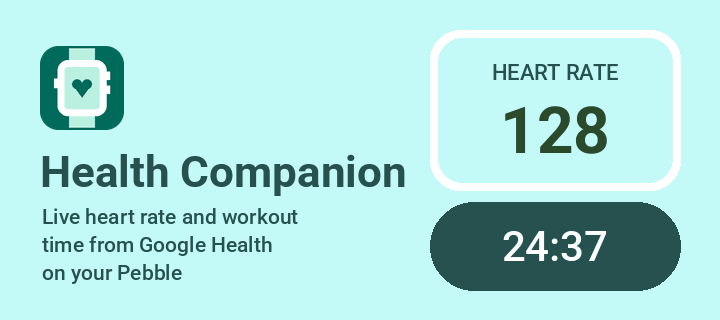
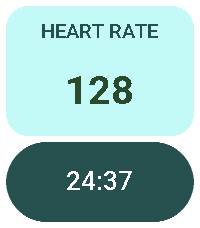
See your live workout on your wrist: heart rate and elapsed time from Google Health, right on your Pebble.

Health Companion works with the Google Health app (and Fitbit trackers such as Fitbit Air). Start a workout on your phone
and the watchapp opens by itself, showing your heart rate and workout time, updated every second.

FEATURES - Live heart rate and workout time, updated every second - Opens automatically when a workout starts, only once:
leave it whenever you like - The workout clock runs on the watch, so it keeps going even when the phone is asleep - Clear
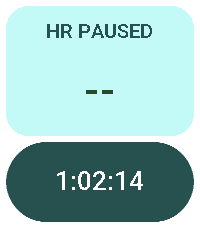
“HR PAUSED” state when the phone stops sharing heart rate - Optional black Standby screen on the phone for live heart rate
with the phone in your pocket, at minimum brightness - Clean, high-contrast layout for rectangular and round Pebbles,
Pebble Time 2 included

REQUIREMENTS - Android phone (Android 10 or newer) with the Google Health app - The free Health Companion Android app
(companion APK, link above). Open it once: it guides you through the two permissions it needs.

GOOD TO KNOW -  When the phone screen turns off, Google Health stops sharing live heart rate. The Pebble keeps the time
running and shows HR PAUSED until the screen is on again. For uninterrupted heart rate, tap the “Workout in progress”
notification to open the Standby screen.

Health Companion is an independent project. It is not affiliated with or endorsed by Google or Fitbit