Large In Charge
ShumM
Watchface
Description
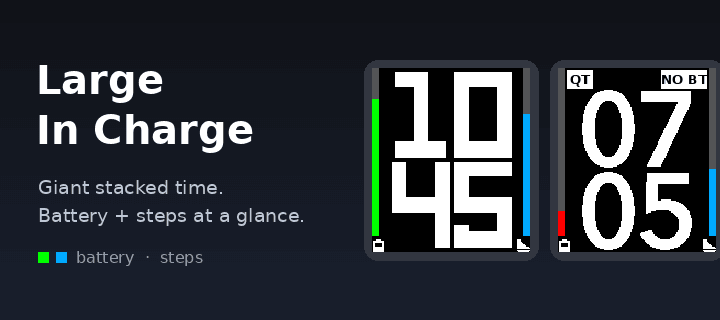
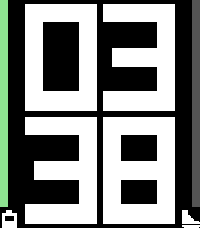
Large In Charge puts the time in giant stacked digits, hours over minutes, so you can read it at a glance.
• Battery bar on the left. It is color-coded green, yellow or red, or you can pick one color.
• Steps bar on the right. The goal defaults to 10,000 and you can change it.
• Small battery and shoe icons under the bars, drawn so they never shrink the time.
• Weather page. Shake your wrist to see the temperature and conditions for 6 seconds. It uses Open-Meteo, so there is no account or key. You can set the sensitivity, choose °F or °C, or turn it off completely so the accelerometer isn't used.
• QT badge when Quiet Time is on.
• NO BT badge with inverted colors and two long pulses when Bluetooth disconnects. It stays silent during Quiet Time.
• Quick View aware. The layout re-fits above the timeline peek.
• Settings: three digit styles, a 64-color palette for every color, and a switch to turn off each feature.
Works on all Pebble models. Steps need a health-capable watch, and colors need a color screen.
- DeveloperShumM
- CategoryFaces
- PlatformsOG Pebble, Steel, Time/Time Steel, Time Round, 2, 2 Duo, Time 2, Round 2
- Updated2026-11-03
- Version1.0.0
- Battery ImpactNot enough data yet