LIFX Client
Chris Lewicki
Watchapp
Description
Control your LIFX smart lights from your Pebble.

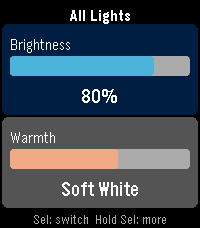
LIFX Client lets you adjust brightness and color temperature on the fly, or pick from a palette of colors.

Features:
- Adjust brightness in 5% steps
- Tune warmth from daylight (6500K) to candlelight (2500K)
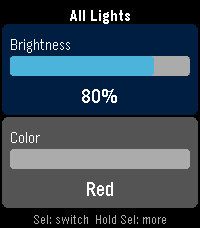
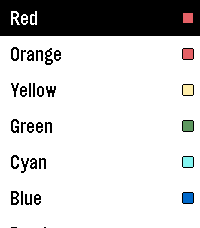
- Choose a color from 8 presets
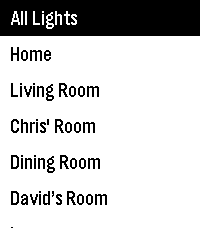
- Target any individual light or group from your LIFX account
- Works on every Pebble: round watches get a purpose-built arc UI, larger screens scale up automatically

Controls:
- UP / DOWN: adjust the active slider
- SELECT: switch between Brightness and Warmth
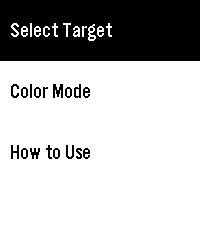
- HOLD SELECT: open the action menu

In Color Mode, the Warmth slider shows your chosen color. Press UP or DOWN on Warmth to return to white light.

Setup:
1. Go to cloud.lifx.com/settings and generate a Personal Access Token
2. Open the Pebble app on your phone and find LIFX Client
3. Open Settings, paste your token, and save
4. Launch the app -> HOLD SELECT -> Select Target to pick a light
- DeveloperChris Lewicki
- CategoryRemotes
- PlatformsOG Pebble, Steel, Time/Time Steel, Time Round, 2, 2 Duo, Time 2, Round 2
- Updated2026-04-06
- Version1.1