Orbitabble
cvuorinen
Watchface
Description
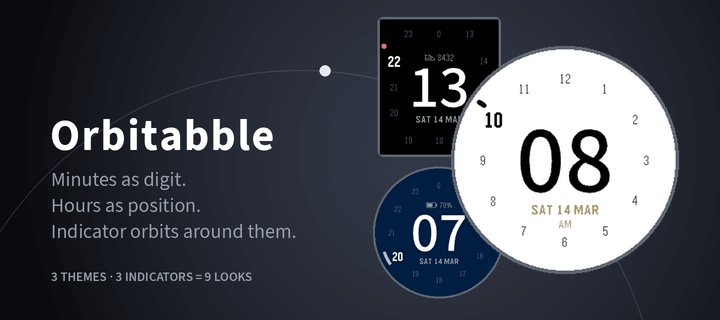
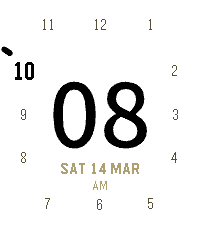
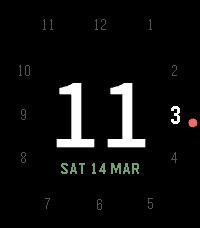
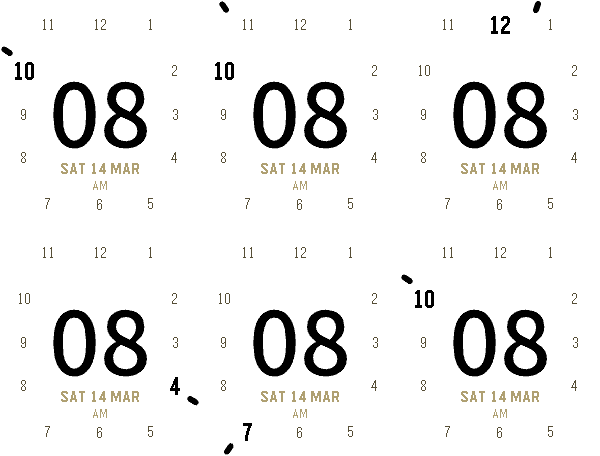
The minutes own the middle of the screen, easy to glance.
Hours on the edge like an analog clock, with current hour higlighted.
Indicator orbiting around, so you get the same feel like on an analog watch,
e.g. "almost at the next hour".

3 different color themes:
- Paper
- Dusk
- Signal

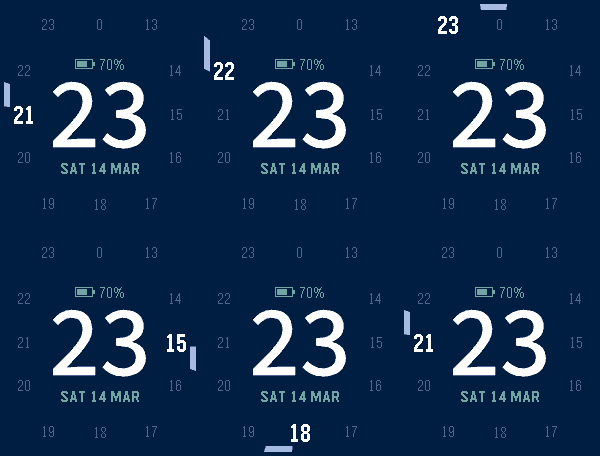
3 distinct indicator styles:
- Pip
- Dot
- Arc

Gives 9 different looks to choose from.
(Only Light/Dark themes on black-and-white devices)

**Features**

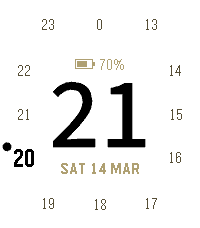
- Date below the minutes
- Optional complication above: battery percentage or step count
- Intro animation — one full orbit on launch, lighting each hour
  as it passes (can be turned off)
- 12h support: AM/PM below date
- 24h support: hour numbers swap to 13-23 after noon
- Hour stays readable when the timeline quick view slides up: the active hour moves
  in above the minutes when it would be behind the notification
- Runs on every Pebble — rectangular and round, colour and black & white


**Credits**

Step icon from the Pebble iconography set, created by Pebble Technology Corp.
and used under the Apache License 2.0.
- Developercvuorinen
- CategoryFaces
- PlatformsOG Pebble, Steel, Time/Time Steel, Time Round, 2, 2 Duo, Time 2, Round 2
- Updated2026-08-21
- Version1.0.0