Photo Face
Case

Watchface


Description
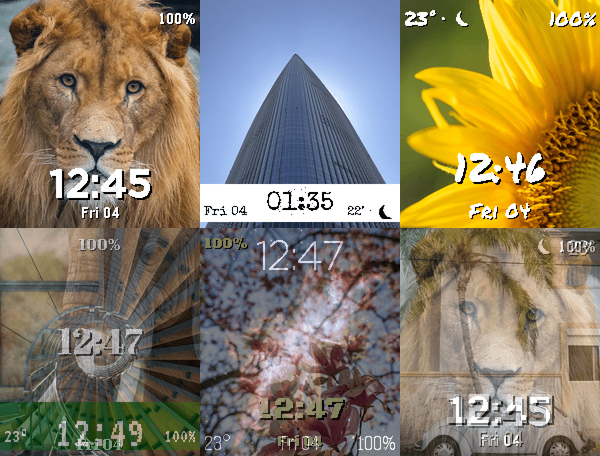
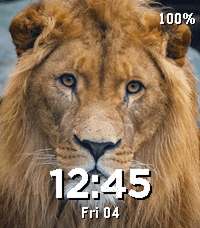
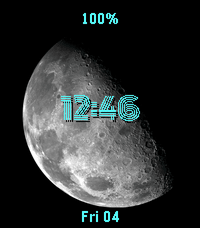
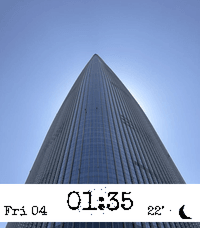
Photo Face turns your Pebble Time 2 into a photo frame with a clock, filled with your own photos.

Your photos:
- Add as many as you like from the settings page and arrange them into galleries you create
- Crop and zoom each one with a live preview of how it will look on the watch, and re-crop any photo later
- Photos never leave your devices: converted on your phone, sent straight to the watch
- 23 example photos included to start from

Playback:
- Flick your wrist for the next photo, or let a timer change it
- Your selection is stored on the watch, so it keeps rotating without your phone

Data points, placed anywhere on a 3x3 grid:
- Date, battery, steps, heart rate
- Temperature and a weather icon (sun, or moon after dark)
- Phone status and the loading spinner

Looks:
- Ten clock styles, from bold and pixel to typewriter, neon and LCD
- Any of the watch's 64 colors for the text and the backdrop bar
- 12h or 24h, optional seconds
- Per-photo overrides: single photos can have their own clock position and colors

The settings page previews everything before you save.
- DeveloperCase
- CategoryFaces
- PlatformsTime 2
- Updated2026-09-18
- Version1.1.6