PTZ Remote
SIDEffect's
Watchapp
Description
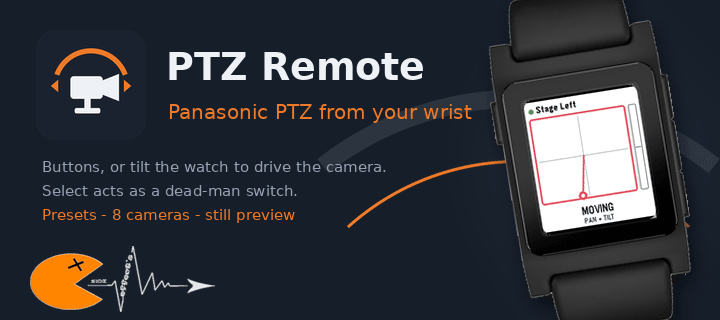
Drive Panasonic PTZ cameras from your wrist - with the buttons or by tilting the watch.

PTZ Remote controls Panasonic AW-series cameras through their HTTP interface. Your phone does the talking, so the camera only has to be reachable on the same network. No extra software, no computer in between.

Two ways to drive:

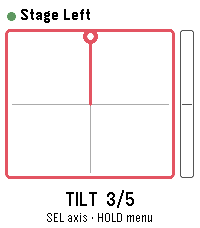
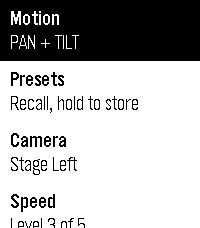
- Buttons: up and down work the selected axis, a short press on select switches between TILT, PAN, ZOOM and FOCUS.
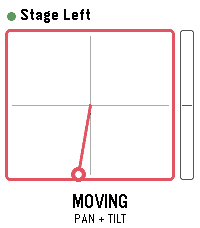
- Motion: hold select as a dead-man switch and tilt your wrist. Zero is the posture you start from, so any comfortable arm position works - even with your elbow bent, in the dark next to the desk. Let go and the camera stops.

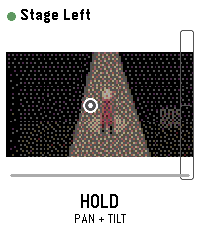
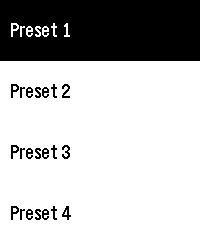
Also included: presets with a confirmation before overwriting, up to 8 cameras to switch between, adjustable speed and tilt sensitivity, and an optional still image from the camera. That preview is not a live feed - the link to the watch carries about 1.6 KB per second, so one frame takes one to three seconds. Enough to check the framing, not to judge it.

Nothing keeps moving unattended: the dead-man switch, a short arming delay so a tap does nothing, a watchdog on the phone that stops the camera if the watch goes quiet mid-move, and a stop when the app closes.

Beta: camera control is tested against real hardware. The preview is not verified on a camera yet and is switched off by default; it needs JPEG transmission enabled in the camera's web menu.

Runs on Pebble Time 2, Pebble Time and Pebble 2. Cameras are set up in the app settings on your phone.

Vibe coded from start to store. That is the only reason it exists alongside a full time job.

The app is free and has no ads. If you enjoy it, a coffee is much appreciated: https://buymeacoffee.com/SIDEffects
- DeveloperSIDEffect's
- CategoryTools & Utilities
- PlatformsTime/Time Steel, 2, 2 Duo, Time 2
- Updated2026-09-17
- Version0.9