Spaceship
uaparit
Watchapp
Description
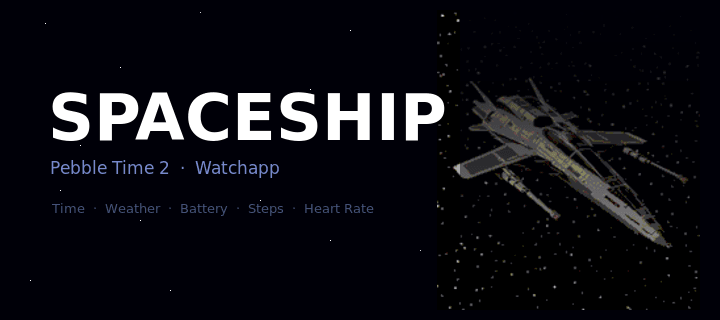
Spaceship is a watchapp for Pebble Time 2 (Emery) that turns your wrist into the cockpit
of a spaceship. Built as an app rather than a watchface because only apps can access the
Emery's touch screen — but it behaves just like one.

SCREENS & NAVIGATION
---------------------
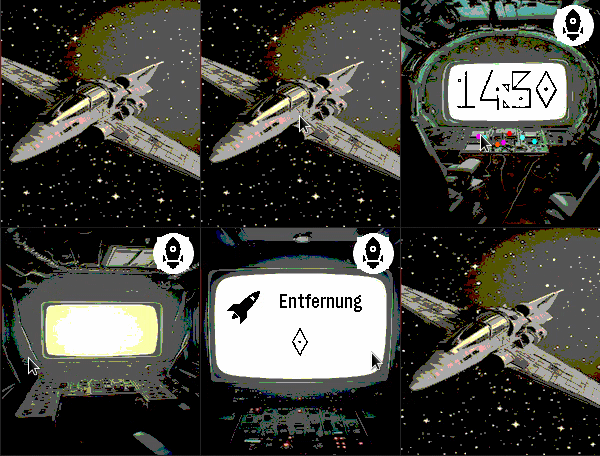
Tap the space screen to open the cockpit. Swipe left or right to move between screens:

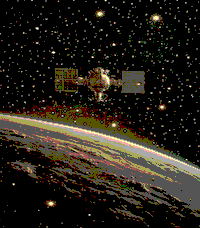
  • Space          — your ship drifting through the stars (tap to enter)
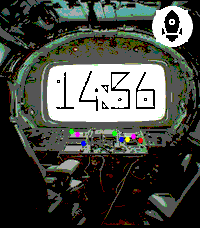
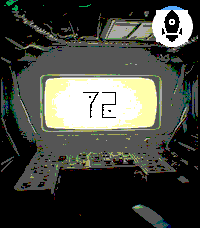
  • Cockpit        — large digit clock with animated indicator lights
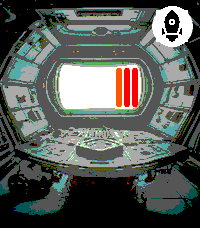
  • Engine Room    — battery level displayed as a ten-bar fuel gauge; ALERT blinks below 20%
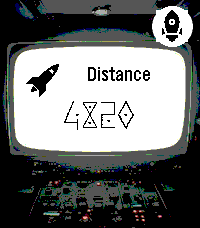
  • Distance       — today's step count with a distance icon
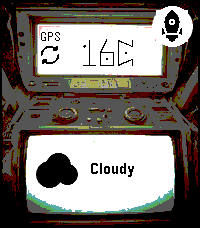
  • Weather        — current temperature, condition icon and description (GPS or IP location)
  • Heart Rate     — current BPM, blinking at your actual pulse with electric sparks

Navigation is circular: swipe right from Heart Rate to return directly to the Cockpit.
A back button on every secondary screen takes you straight back to Space.

SPACE SCREEN
------------
Choose from twelve different spaceship designs — or enable shuffle mode to automatically
cycle through them at a configurable interval. An optional animated comet streaks across
the background for extra atmosphere.

WEATHER
-------
Weather data is fetched automatically using GPS location (with IP fallback) via Open-Meteo.
The weather screen shows the data source (GPS / IP), a programmatic weather icon, and a
reload button for manual refresh. Temperature in °C or °F, description in English or German.

AUTO-RETURN
-----------
After a configurable delay (3–30 seconds of inactivity), the app automatically returns to
the Space screen.

SETTINGS (configurable via the Pebble app)
------------------------------------------
  • Spaceship design: 12 models or shuffle mode
  • Shuffle interval: how often the ship changes automatically
  • Animated comet: on / off
  • Language: German or English
  • Temperature unit: °C or °F
  • Time format: 12h or 24h
  • Auto-return delay: 3–30 seconds
  • Backlight timeout: 3–9 seconds

NOTE
----
Spaceship must run as an "App" rather than a "Watchface" because Pebble only exposes the
touch screen to apps. Once launched, it stays active and responds to touch and swipe gestures
exactly like a watchface would.

Vibecoded with Claude · Pebble Time 2 (Emery) only
- Developeruaparit
- CategoryDaily
- PlatformsTime 2
- Updated2026-06-12
- Version1.0.0