Track your Flight
TheDarkDwarf
Watchapp
Description
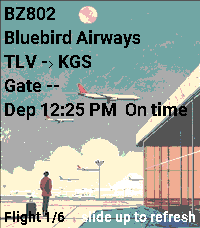
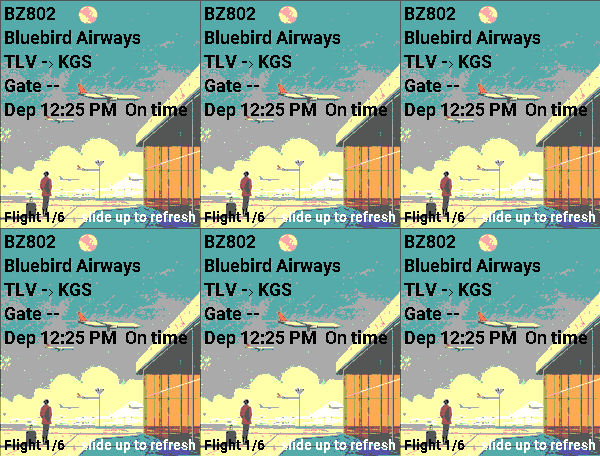
You can track your flight by entering your flight code in the settings. To access full flight‑related data, register at https://aviationstack.com/dashboard and obtain a free API key (includes 100 requests per month). Copy that key into the app’s settings to enable all features.
Press Select to view your boarding pass.
To access it, open the pass in Apple Wallet, Google Wallet, or as a PDF.
Retrieve the raw barcode text (it begins with M1). You can do this by:
Using a barcode‑scanner app that displays the raw text, not just the image.
Some airline apps let you copy or export pass data.
Decoding the PDF417 or Aztec barcode from a PDF version of your boarding pass.
Paste the full string into the Boarding Pass Barcode (BCBP) field in Settings.
Example : M1DOE/JOHN          EABC123 TLVJFKAA 0123 001A012B0001 100
- DeveloperTheDarkDwarf
- CategoryTools & Utilities
- PlatformsTime 2
- Updated2026-08-24
- Version1.2.0