WristShelf
Tilman Rauh

Watchapp
Description
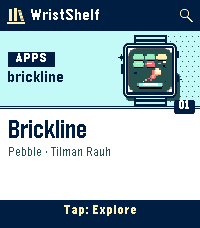
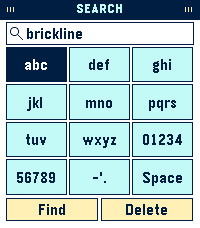
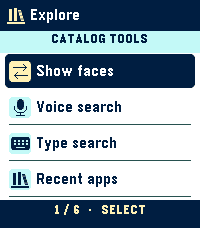
Discover new watchfaces and apps without leaving your watch. WristShelf brings the Pebble and Rebble catalogs together in Recent, opening straight into illustrated cards with real catalog artwork. Use Up and Down to browse, Select to open a listing, and hold Select for Explore: switch between apps and faces, search by voice on a microphone-equipped watch, or type a name.

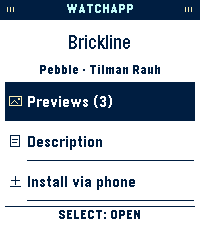
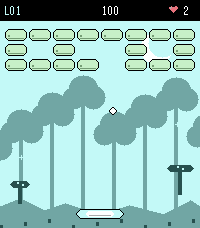
Open a listing to see the maker, read the description, and flip through full-screen screenshots. A short control hint appears each time you open the app. On Pebble Time 2 and Pebble Round 2 with touch enabled, swipe to browse, tap a card to open it, and tap the on-screen keys to search. Buttons remain fully supported.

Choose either store or both in WristShelf settings in the Pebble phone app. Browse with your paired phone online. To add a listing to My Apps or My Faces from the watch, connect its store account in those settings. Sign in with the browser on the same phone, then return to finish linking. The Pebble companion syncs your library with your watch. You can also choose Install via phone to finish from the store listing.
- DeveloperTilman Rauh
- CategoryTools & Utilities
- PlatformsOG Pebble, Steel, Time/Time Steel, Time Round, 2, 2 Duo, Time 2, Round 2
- Permissions
- Updated2026-11-05
- Version1.1.0