Tasks
Ovvio Studio
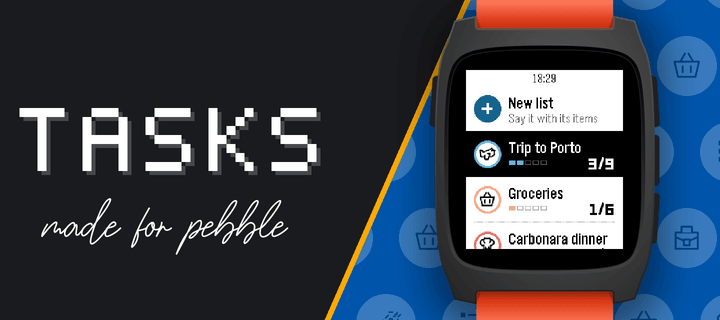
Watchapp
Description
Your lists on your wrist. Tasks is the Pebble companion of the Tasks for Pebble iPhone app (Android coming soon): the same lists on both, in sync within seconds. The watch app requires the mobile app to work.

This watch app includes automatic list generation and item addition from your watch which means server costs are there and will require a PRO subscription. If you want to enjoy the app and can't pay for the fees, write an email at hello@ovvio.studio and I will send you a yearly code.

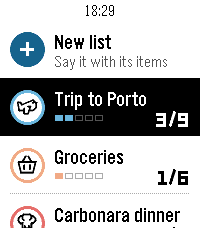
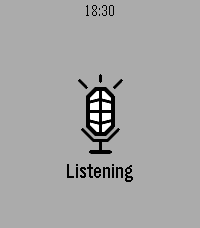
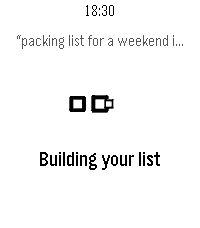
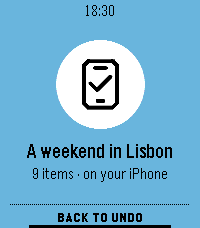
• Say a list: choose "+ New list" and say something like "packing list for a weekend in Lisbon". Tasks writes the list with its items.
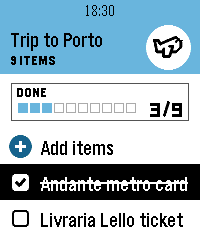
• Add to any list by voice from "+ Add items".
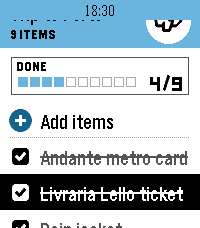
• Check items off with SELECT; the iPhone sees it right away.
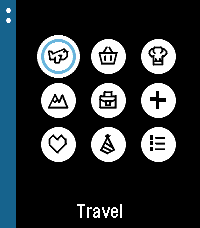
• Each list shows its icon, colour and a progress row, with animations in the watch's own style.
• Hold SELECT on a list to change its icon or colour, clear checked items or delete it. Hold SELECT on your lists to re-sync.
• Works offline: your lists stay on the watch, and checks you make offline sync when the phone is back.

How to start: install Tasks for Pebble on your iPhone, open Tasks on the watch, press SELECT for a 6-character code and type it in the iPhone app under Settings › Pebble.

The watch app needs Tasks Pro, a subscription in the iPhone app with a free trial. Lists on the iPhone are free.

Works on Pebble Time 2, Pebble 2 Duo and Pebble Round 2.
- DeveloperOvvio Studio
- CategoryDaily
- Platforms2 Duo, Time 2, Round 2
- Updated2026-09-29
- Version1.2.0